Haven’t you heard the latest rumor yet? Nearly all social media marketers chatter these days that commenting will outshine posting as a growth strategy. But actually, this is not someone’s fantasy or baseless gossip spread across the digital space. As we approach a...
Money can’t buy time unless you’ve got Planable
Free
features
-
50 total posts
-
Unlimited experience
-
No X (Twitter) publishing
-
No Analytics
-
No Engagement
Basic
per month
-
60 posts/ workspace/ month
-
Unlimited users
-
4 social pages/ workspace
-
2 types of approval
-
Feed & Calendar views
-
3 campaigns/ workspace
Available add-ons
Analytics
($9/workspace/month)
Engagement
($5/workspace/month)
Pro
per month
-
150 posts/ workspace/ month
-
Unlimited users
-
10 social pages/ workspace
-
3 types of approval
-
Feed, Calendar & Grid views
-
10 campaigns/ workspace
Available add-ons
Analytics
($9/workspace/month)
Engagement
($5/workspace/month)
Enterprise
-
Unlimited posts
-
Multi-level approvals
-
Feed, Calendar, Grid & List views
-
Pay by bank/ wire transfer
-
Dedicated account manager
-
Unlimited campaigns
-
SSO integration
-
Engagement add-on available
-
Analytics add-on available


Compare plans
Basic
Pro
Enterprise
No. of posts/monthNumber of posts you can create across all your pages in a workspace. The limit resets on the first of every month.
60/workspace
150/workspace
unlimited
Publish tweets
1 tweet published/24h
unlimited
unlimited
AI post rewrite
AI post generate
First comment scheduling
Recurring posts
Omnichannel planning
Built-in media editor
Feed view
Calendar view
Grid view
List view
CampaignsCampaigns allow you to keep strategy briefs, resources, visual assets, pieces of content, and analytics, with clear visibility in the general calendar.
Learn more →
3
10
unlimited
Media storage
10GB
50GB
custom
Published posts storagePublished posts are archived after 1 year. Then permanently deleted.
Learn more →
13 months
13 months
24 months
Archived posts storage
30 days
30 days
1 year
Shared content planning
Built-in media editor
None
Optional
Required
Multi-level
Team-only notes
Bulk approval
Bulk request for approval
Text annotations
Suggest edits
Engagement
$5/month/ workspace
$5/month/ workspace
$5/month/ workspace
Unified comments inbox
Reply, react & delete comments
Organize conversations by status
AI generated replies
Sort comments by sentiment
Analytics & Reporting
$9/month/ workspace
$9/month/ workspace
$9/month/ workspace
Cross-channel stats
Page level insights
Post level metrics
Custom reports
Audience insights
Self-serve knowledge base
Chat support
Priority support
Personalized onboarding
Dedicated account manager
My social media management was a mess.
After Planable, I had more time to concentrate on content rather than on managing the content.
Tal M., Head of Marketing @Arbox
Get a 60% discount for one year
The Planable Start Program offers eligible small & young businesses a 60% discount for one year, empowering them to elevate their social media management without breaking the bank.
Pricing FAQs
What’s a workspace?
A workspace is a digital collaboration space where you create content as a team. Like a party room — just virtual, productive, and no awkward small talk.
You can: create, review, collaborate, publish, and more, all in one place.
Each brand, company, or client gets its own PRIVATE workspace.
If you have 3 clients, you’ll need 3 workspaces. If you’re a brand with 4 regions managed separately, you’ll need 4 workspaces.
You can add separate pages to your workspaces. (For best performance, we recommend adding up to 5 in each.)
How is Planable different from other social media tools?
Uh, because it’s mega-super-awesome?!
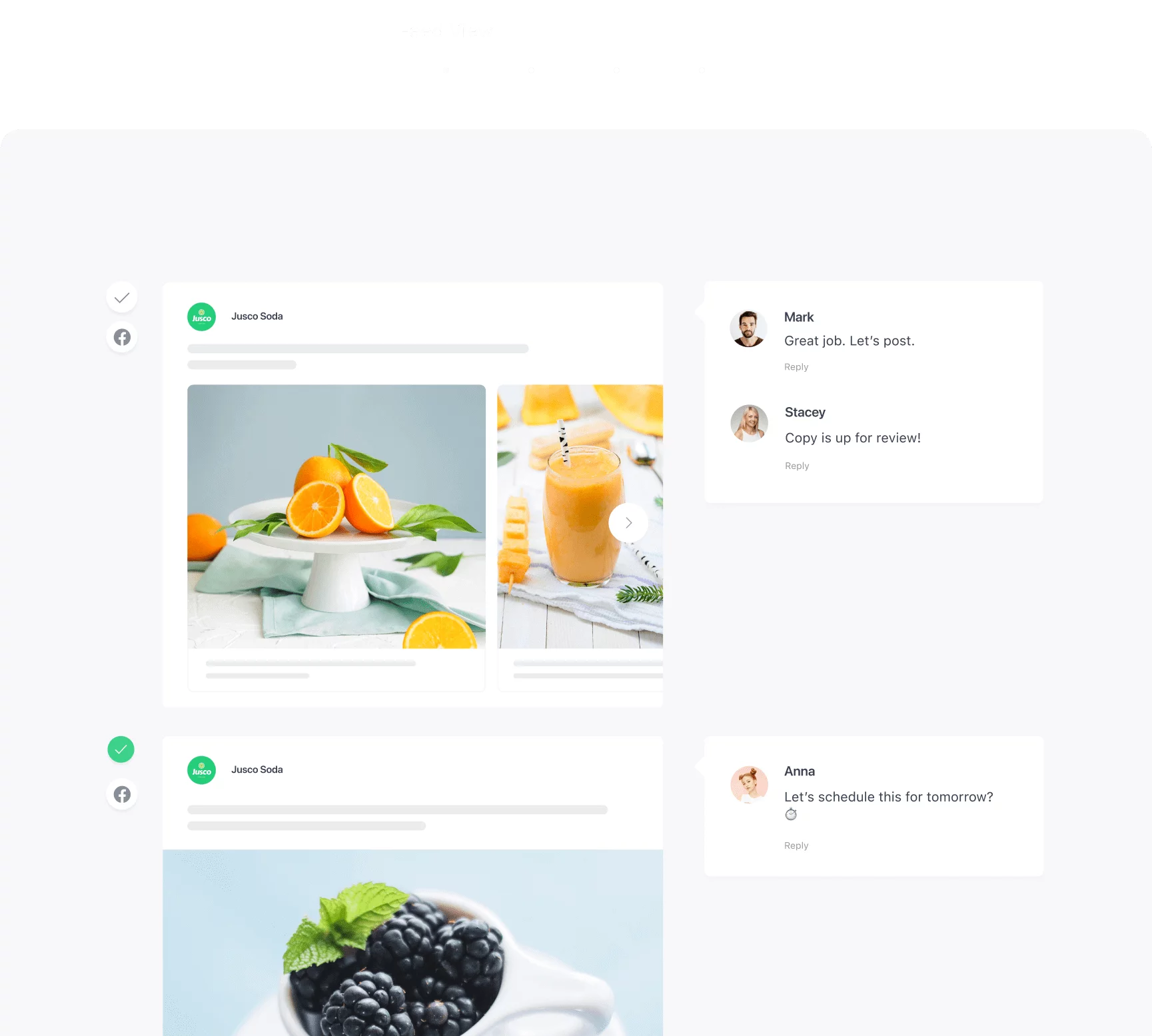
But seriously, Planable is the social media management tool designed specifically for smooth collaboration and approvals.
Here, a seamless workflow is not just an added plus. It’s literally the whole purpose of our existence.
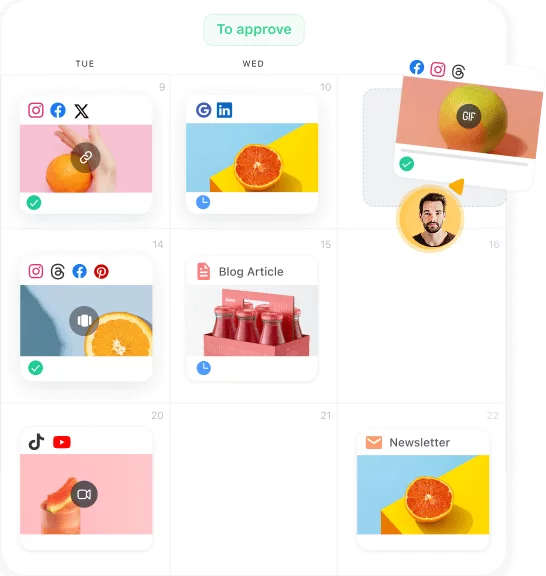
Our product is also super visual. Everyone can see the live mockups and scheduling calendar on their own, which means more efficient work — and more time left for work you actually like.
Are spreadsheets really that bad?
Oh gosh yes!
Well, to each their own, but once you’ve experienced Planable, we’re confident you’ll never be able to go back to The Spreadsheet Life again.
Especially as you scale. Cuz think about it:
Using spreadsheets for 10 clients or projects may be manageable, but what happens when you get another 10? Is alllllll that copy-pasting even humanly possible? (Not to mention manually inserting links and media, and posting to each friggin’ social platform separately.)
In the long run, it pays to set up streamlined processes.
Think of it like using a flip phone from circa 2002. Sure you could, but why? Why?!
Do clients count as users?
Yes. Every person accessing the platform counts as a user.
Why do I need an Enterprise plan?
At the Enterprise level, we offer tailored plans, highly personalized service, and ridiculously fast response time.
When you don’t have to
– delay your content approval process
– stall a high-stakes campaign
– worry about finding answers yourself
…you save *real* time and *real* money.
If you want to feel more confident about the content you’re delivering, Enterprise is for you.
What does "first 50 posts" mean?
The free plan is unlimited in every way, except for the total number of posts you can create and schedule. You get 50 posts for free, to test out Planable and hopefully fall in love with it.
Here’s the gist: the free plan is there to allow you to give Planable a real try. In your own time. At your own pace. We don’t put a timer on it. It can take you 14 days or 14 years, we’re that patient.
Can you schedule Instagram posts with Planable?
Yes you can! You can publish Instagram posts, stories, and reels directly, or through our mobile app (with reminders and push notifications when it’s time to publish) if you need to add stickers and music.
Which social media platforms does Planable support?
Facebook, Instagram, LinkedIn, Twitter, Youtube, Google Business Profile, TikTok, Pinterest, and Threads.
Plus, with Universal Content you can collaborate on any type of content. Blog, newsletter, ads… you name it!
Is Planable compliant with GDPR?
Short answer:
Hell yes!
Lo-o-o-o-ng answer:
Learn about everything Planable’s doing to adhere to GDPR regulations right here.
What are my payment options?
We accept every major credit card. (No Paypal for now, sorry!)
Choose the yearly pricing option for a discounted monthly rate (SWEET!). Choose the monthly pricing option if you’re not sure you want to commit to a full year just yet. Either way, you’ll get the same awesome Planable experience.
How can I convince my team and my boss we need Planable?
With some numbers, of course.
Do a quick calculation of how much
– time is spent on inefficient collaboration
– money is thrown away on unnecessary, tedious tasks
– frustration is caused by all the back-and-forth communication.
As a team, you’ll gain 33% more time per week with Planable. Easily.
Investing in an efficient workflow pays for itself in a very short time.
If you’re part of a team that wants to
– grow
– scale
– create some of the best content of your careers,
you can’t afford tedious processes that leave too much room for error.
And, since Planable’s free plan is absolutely commitment-free (no credit card required), it’s a no-brainer!
Is Planable suitable for my not-so-tech-savvy team members or clients?
Absolutely.
Our customers tell us their least tech-savvy clients and colleagues — the ones who couldn’t use any other tool — all love Planable.
There’s almost no learning curve with Planable. Onboarding takes all of 1 hour on average from signup to publishing your first post.
It’s as easy as it gets.
Does Planable offer analytics?
Yes.
Planable offers an Analytics add-on that allows you to see all your social media insights at a glance and quickly generate beautiful reports.
Learn more about it here.Â
Does Planable offer community management?
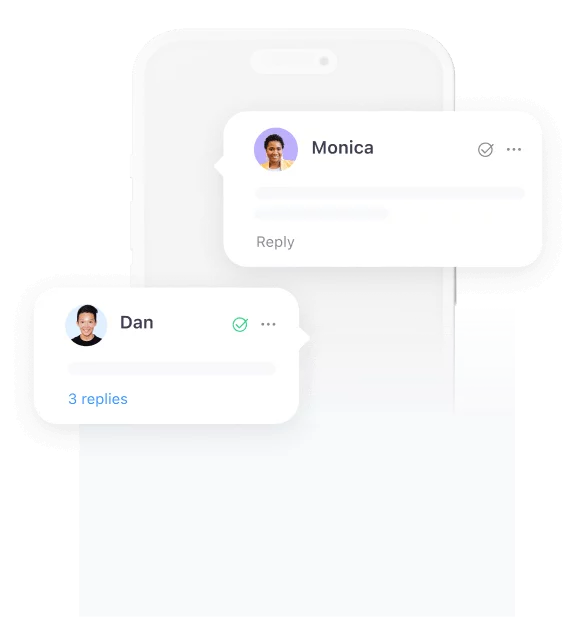
Yes. With the Engagement add-on, you have a unified place to check and reply to comments. Learn more about it here.
Number of pages allowed in each workspace. It can be multiple pages from the same platform.
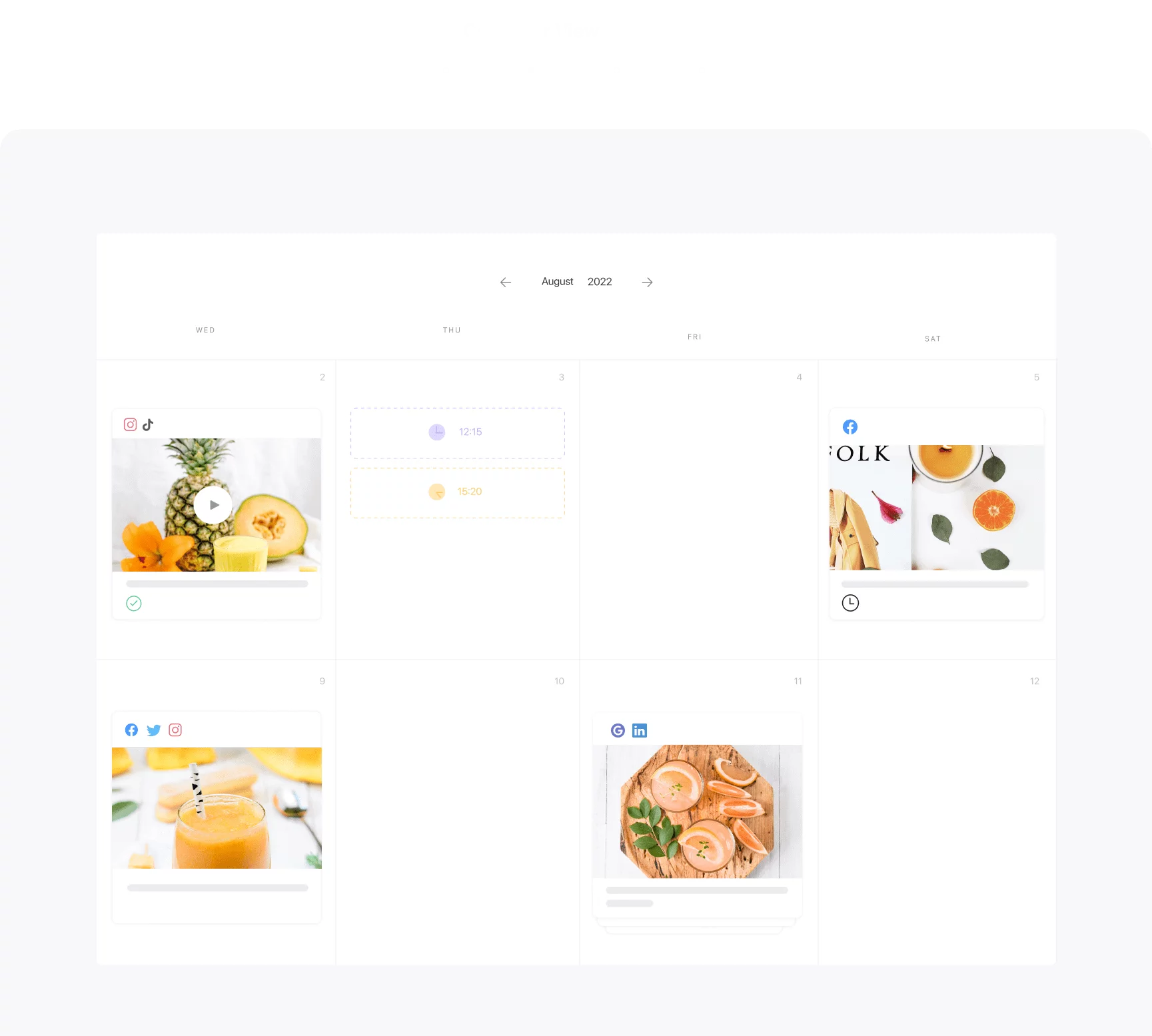
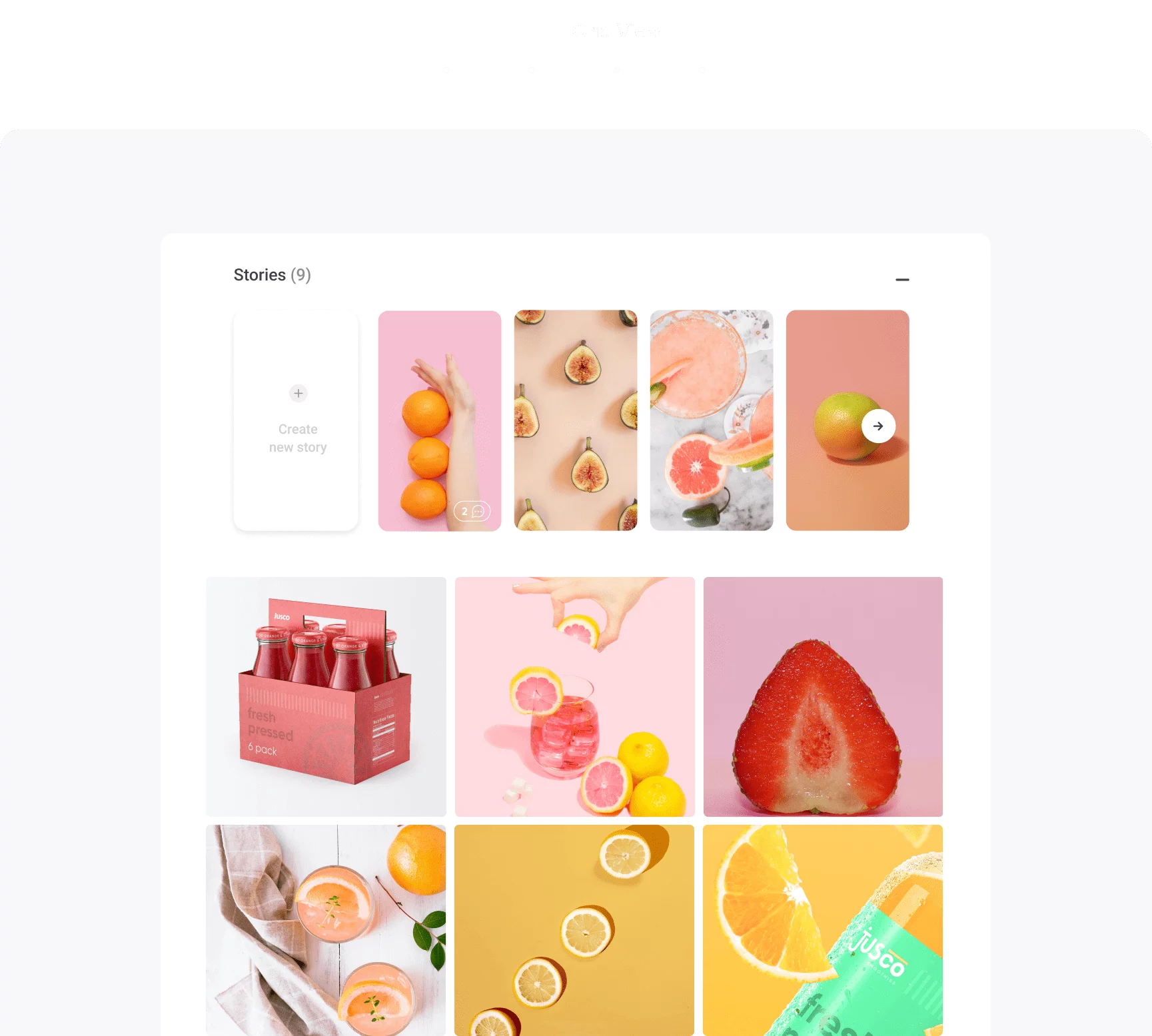
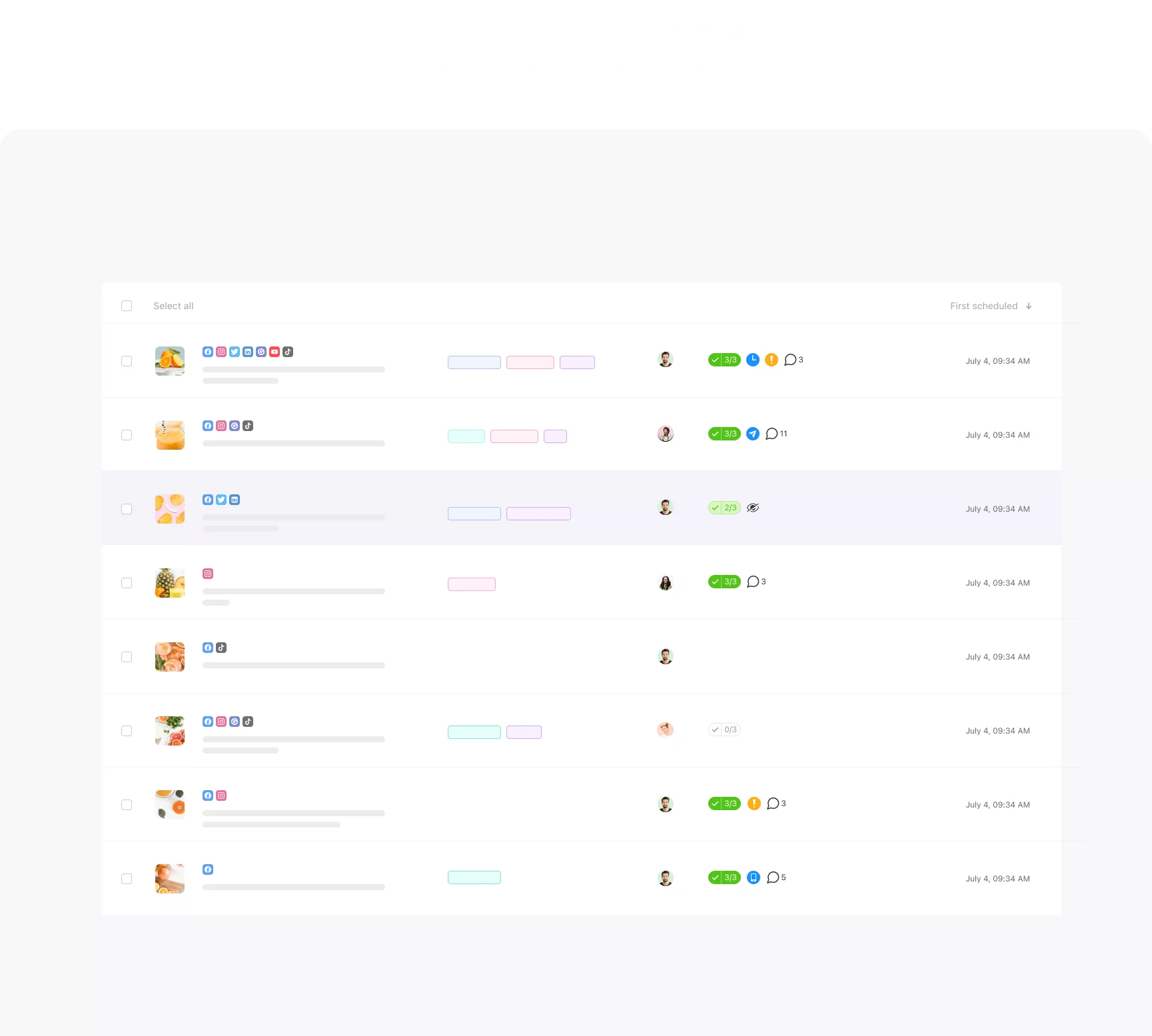
You can view and plan your content in these four views, depending on the plan.
Categorize posts per campaign, topic or content pillar with color-coded labels.
Import content published outside of Planable.
Set separate approval workflows depending on each workspace and brand.
Have the option to hold conversations and posts behind the scenes, out of approver’s sight.
See who did what and when. Preview & restore previous versions of your posts.