Your content calendar starts with a blank page. You know your brand, your voice, last month’s top posts.
What you don’t know is what your audience is actually searching for right now, the questions they keep asking, or the topics your competitors are winning that you’re not covering.
This workflow fills that gap. Real search demand becomes drafted posts, waiting in your Planable workspace, in one motion.
What it does
It fills your calendar with a batch of drafted posts, pulled from what your audience is actually searching for right now.
Each post traces back to:
- a keyword gap, something competitors rank for and you don’t;
- a ranking you’re losing, if you connect an SE Ranking project with position history;
- a real question people ask, so you’re covering what they actually want to know.
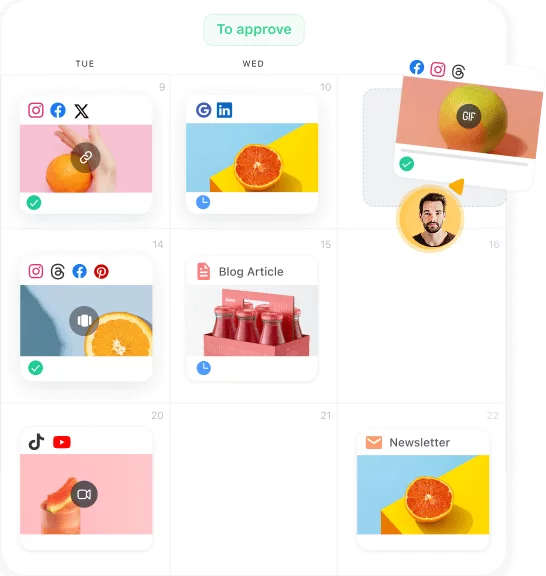
Every post lands as a draft in Planable, channel adapted and labeled, ready for you to review and schedule as normal. Nothing publishes on its own.
One thing worth knowing: if you want ongoing tracking on the terms behind a campaign, the skill can add them to an SE Ranking project. It asks first, since tracked keywords use your project’s keyword allowance.
Ways to use it
- A month of posts from real demand. Skip the blank calendar. Get a themed batch straight from this month’s gap and question data.
- A fast response to a competitor. A rival starts ranking for terms you want, get a week of posts aimed at reclaiming the topic.
- A question series. Turn what people actually ask into an educational thread or post series, including questions your competitors miss.
- A topic repurpose. Take one strong topic and fan it out across channels as coordinated drafts.
Example uses
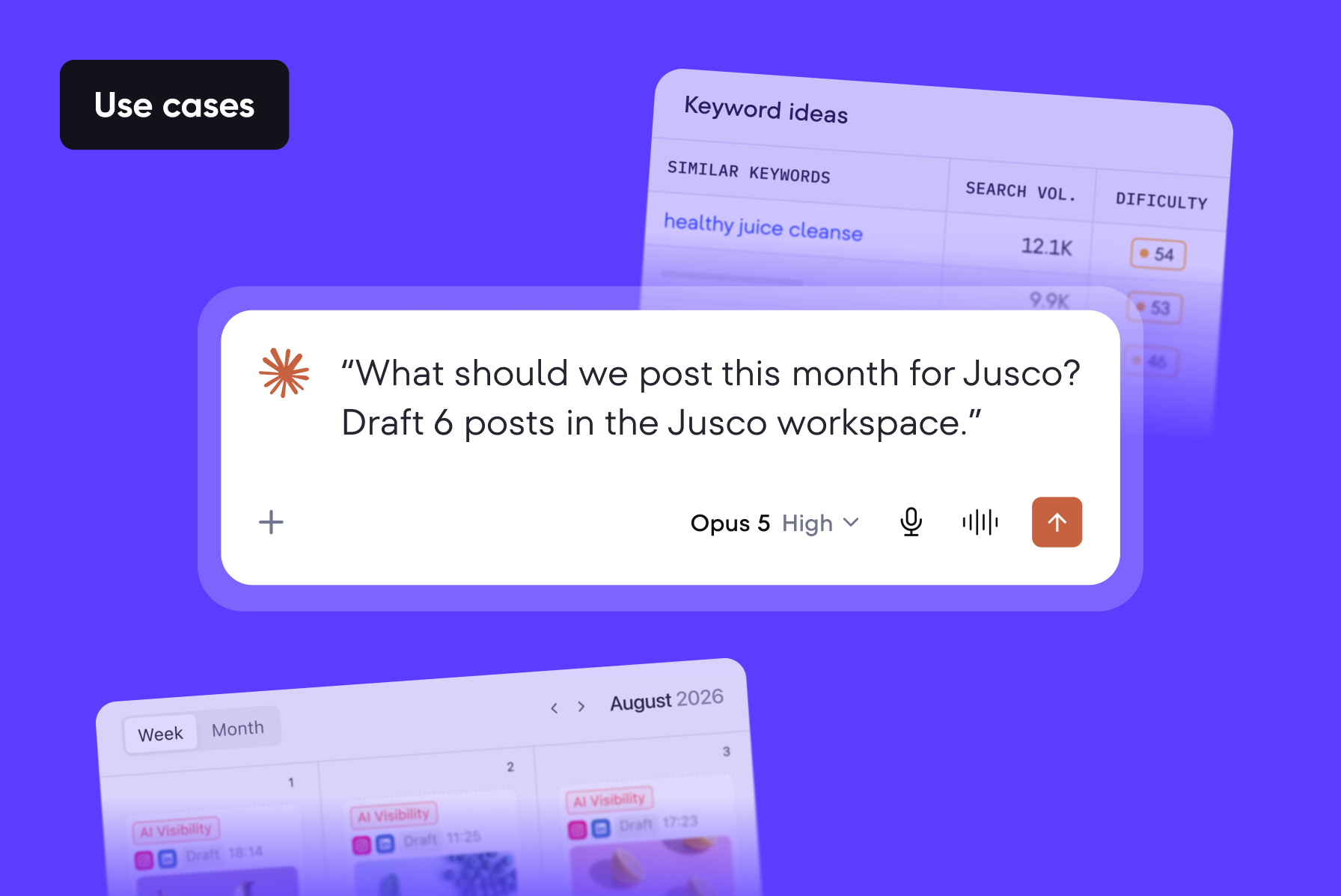
Fill next month’s calendar
“What should we post this month for X brand? Draft 6 posts in the X workspace.”
Respond to a competitor
“Our competitor X is outranking us on ‘Y’ keywords. Pull the search demand around this topic and draft a week of LinkedIn and Instagram posts.”
Turn questions into a series
“Turn the questions people ask about X into a post series, drafted in Y brand’s workspace.”
What it needs
Target domain and market or country · Destination Planable workspace with at least one connected page · Optional competitor domains, up to three · Optional SE Ranking project, for ranking loss data · Number of posts, 6 by default
What you get
- A content plan you can scan: theme, the demand behind it, platform, angle
- Drafted posts in your Planable workspace, channel adapted and labeled, with links
- An optional campaign brief file documenting where each post came from
Main benefit: every post in your calendar has a reason behind it. When someone asks why you posted it, the answer is data, not a hunch.
One caveat worth keeping: the skill drafts from demand, it does not guess at your brand voice. Review every draft before it goes out, same as any other draft in your workspace.
Get the skill
Skill for your AI agent: ecosystem-demand-campaign
Get skill on GitHub
Requires a Planable workspace and an SE Ranking account, both connected to the same AI assistant. The Planable MCP connector is available on all plans.
FAQs
Does it publish anything automatically?
No. Every post lands as a draft in your Planable workspace. You review, edit, and schedule it the same way you would any other draft.
Does it use my SE Ranking keyword allowance?
Only if you ask it to. Reading gaps and questions does not touch your allowance. Adding terms to a project for ongoing tracking does, and the skill checks with you before doing that.
What if I do not have an SE Ranking project connected?
You still get the campaign. You lose the ranking loss angle specifically, since that needs position history. Keyword gaps and question data do not require a project.
Relentless advocate and practitioner of putting users before Google algorithms since 2016. Geeks out over everything tech SEO. Dabbles in photography and is a natural-born reader.







 Creation
 Scheduling
 Planning
 Social Inbox
 Collaboration
 Analytics
 Approval
 Social Listening