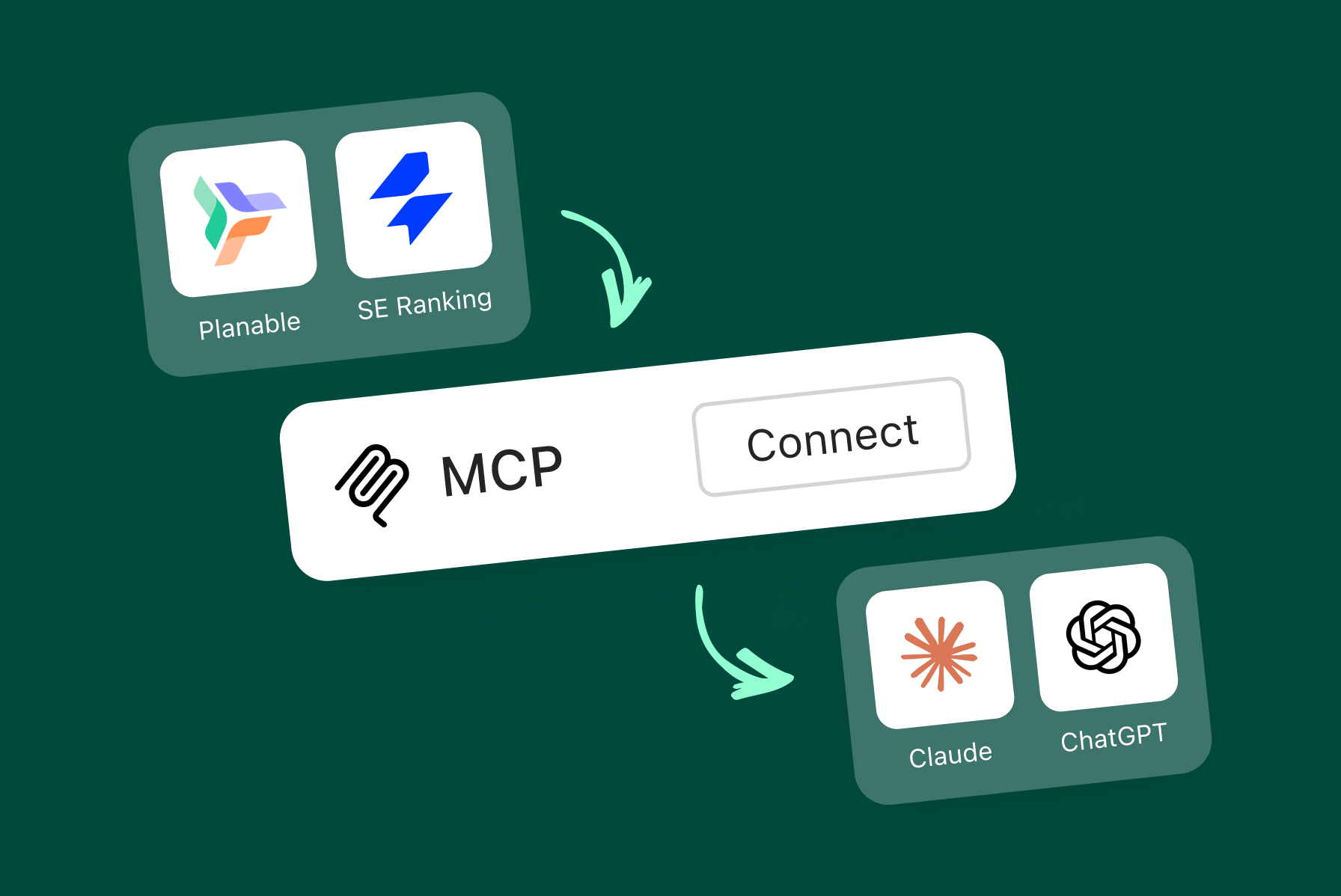
You already draft and schedule in Planable. What changes with MCP is where you start that work. Instead of opening the app first, you tell your AI assistant what you want, and drafts show up in your workspace waiting for review.
Connect Planable, and your assistant can draft and schedule posts by prompt. Connect SE Ranking too, and it can also pull the search demand and AI mention gaps that feed the search demand campaign and AI mentions campaign skills.
What is MCP?
The Model Context Protocol, MCP, is an open standard that connects an app’s data to AI assistants. With the Planable and SE Ranking MCP servers connected, you can talk to your social and search data in plain language, inside tools like Claude, ChatGPT, and Gemini.
Connect Planable MCP
The Planable MCP server is available directly in the connector directories of Claude and ChatGPT, and can be added to other assistants via a custom connection.
- Claude: in Settings then Connectors, add the official Planable connector and click Connect to authorize.
- ChatGPT: open Apps, search for Planable, and connect it, no manual URL needed.
- Custom connector, any MCP client: add a custom connector with the URL https://mcp.planable.io/mcp and name it Planable.
Verify it works
In your assistant, run a prompt such as “Draft three Instagram post ideas for my brand and save them to my workspace.” Drafts appearing in Planable confirm the connection is live.
Connect SE Ranking MCP
This is what feeds your calendar with real search demand and AI mention data instead of a guess. The SE Ranking MCP server is available directly in the connector directories of Claude and ChatGPT, and can be added to other assistants via a custom connection.
- Claude: in Settings then Connectors, add the official SE Ranking connector from the directory and click Connect to authorize.
- ChatGPT: go to Apps, search apps, SE Ranking, Connect.
- Custom connector, any MCP client: add a custom connector with the URL https://api.seranking.com/mcp, name it SE Ranking, and authorize with OAuth or your API key.
Note: the SE Ranking MCP uses your Data API key. See SE Ranking’s own Getting Started with the API article for keys and access.
Verify it works
In your assistant, run a prompt such as “Show me the organic search stats for example.com in the US.” A data backed answer confirms the connection is live.
Relentless advocate and practitioner of putting users before Google algorithms since 2016. Geeks out over everything tech SEO. Dabbles in photography and is a natural-born reader.







 Creation
 Scheduling
 Planning
 Social Inbox
 Collaboration
 Analytics
 Approval
 Social Listening