If your Instagram keeps disconnecting, your scheduler swallows the post and silently fails, your support ticket has been “with the team” for a week, or your monthly bill creeps up every time you add a channel, you’re not the only one running out of patience with...
Redesign For multi-location brands
all your locations, one content flow
For multi-brand companies
content collaboration at scale
For agencies
impress your clients and take on more
“The team loved it from the start. Planable helps us overview the entire marketing efforts.“
Most content workflows span multiple tools. For example, tasks live in Asana or Monday, assets land in Google Drive, and publish confirmations need to reach Slack. The Planable x Zapier integration reduces manual handoffs by letting events in one tool automatically trigger actions in another.
What you get:
Use Planable events to trigger actions in other apps.
Use events in other apps to create drafts in Planable or upload files to Planable’s Media Library.
Available on all Planable plans at no extra cost (Zapier plan required).
How the Planable x Zapier integration works
Zapier automations are called Zaps. Each Zap has:
a Trigger (the event that starts the automation)
an Action (what happens next)
Planable can be either the trigger or the action destination, depending on your workflow.
Planable as a trigger (send events from Planable to other apps)
When something happens in Planable, Zapier can run an action in another app (for example Slack, Gmail, Asana, Monday, Teamwork, and more).
Supported triggers
1) New activity (fires when a selected activity occurs in a workspace)
Choose a workspace and an activity type:
Post created
Post approved
Post scheduled
Post published
Post marked as published
Publishing error on a post
Label updated on a post
Comment added
2) New media uploaded (fires when a new file is added to the Media Library)
Common automations (trigger examples):
Send a Slack message when a post is approved.
Create a task when a comment is added.
Log published posts into a spreadsheet.
Planable as an action (send events from other apps into Planable)
When something happens in another tool, Zapier can perform an action inside Planable.
Supported actions
Create a post: create a draft post in a specified workspace
Create a story: create a draft story in a specified workspace
Upload a file: add a file to the Planable Media Library
Upload new assets to Planable whenever files land in a specific Google Drive folder.
Quick reference: triggers and actions
Use Planable as…
Event type
What it does
Trigger
New activity
Sends a selected Planable workspace event to another app
Trigger
New media uploaded
Sends a Media Library upload event to another app
Action
Create a post
Creates a draft post in a specified workspace
Action
Create a story
Creates a draft story in a specified workspace
Action
Upload a file
Uploads a file into Planable’s Media Library
Trigger
Event type
New activity
What it does
Sends a selected Planable workspace event to another app
Trigger
Event type
New media uploaded
What it does
Sends a Media Library upload event to another app
Action
Event type
Create a post
What it does
Creates a draft post in a specified workspace
Action
Event type
Create a story
What it does
Creates a draft story in a specified workspace
Action
Event type
Upload a file
What it does
Uploads a file into Planable’s Media Library
What you can build with Planable x Zapier
Here are practical workflows teams commonly automate:
Turn approved Google Docs into Planable drafts: Publish or convert finalized copy into a Planable post without manual copy-paste.
Create Planable drafts from Airtable records: If your content calendar or briefs live in Airtable, new records can generate drafts in Planable.
Auto-upload Google Drive assets to Planable: When a file lands in a selected Drive folder, it uploads to the Planable Media Library.
Notify your team when a post goes live:Send a Slack message or email when a post is published.
Close the loop in project management tools: Mark tasks as done in Asana, Monday, or Teamwork when a post is approved in Planable.
How to set up the integration
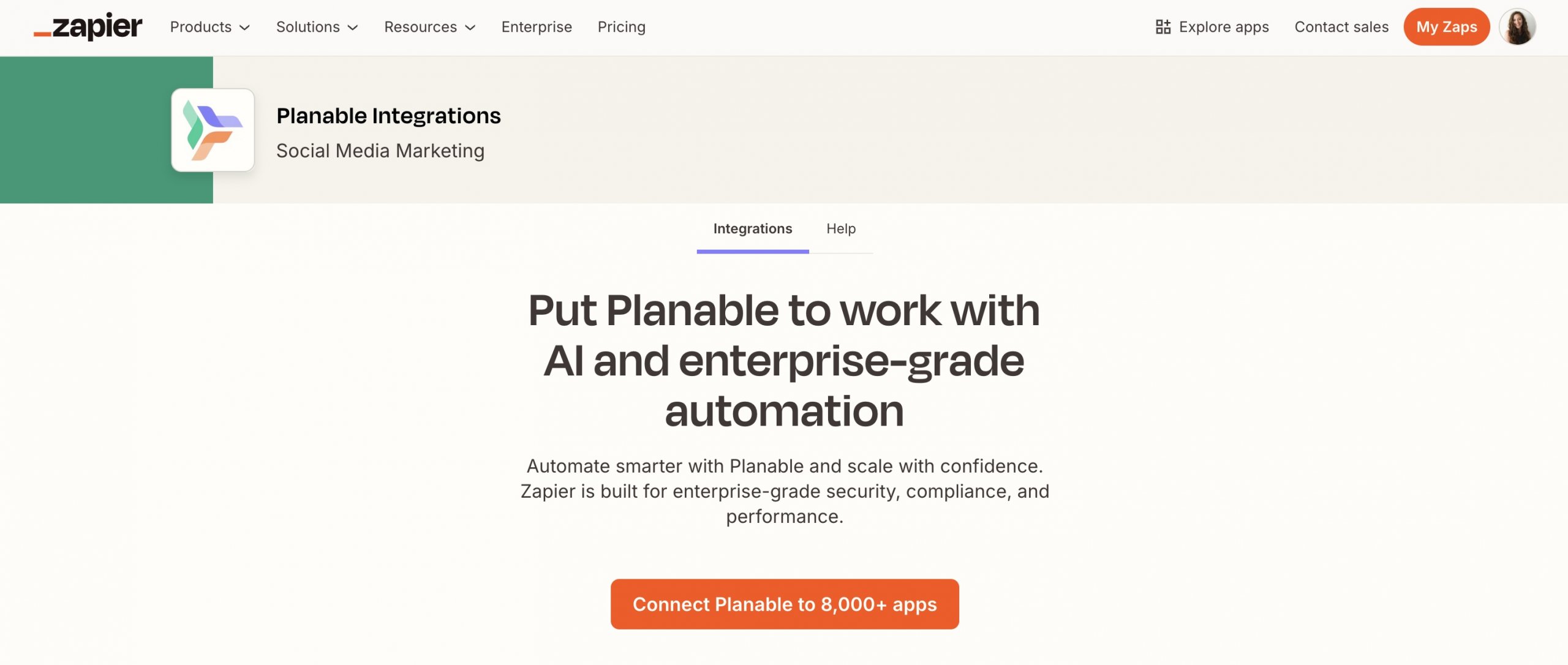
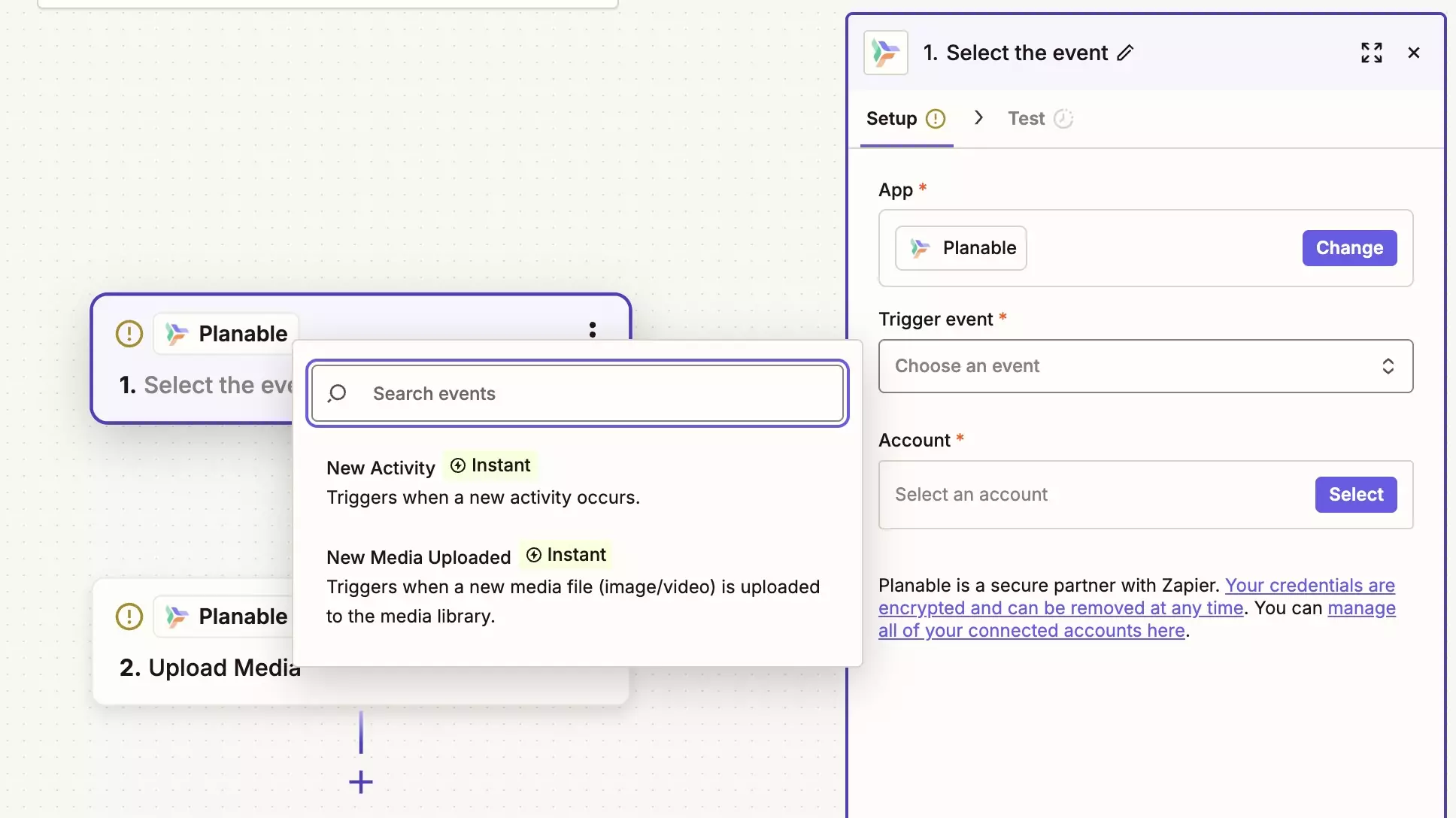
Log in to Zapier and create a new Zap.
In the app selector, search for Planable.
Choose one of these:
Trigger: New activity or New media uploaded
Action: Create a post or Upload a file
Connect your Planable account, then select the workspace (and activity type for New activity).
Configure the other app step (the Zap action or trigger).
Test the Zap.
Turn it on.
You can also view and manage connected integrations in Planable under Settings → Integrations.
Zapier Integration API (for advanced automations)
For teams with developer resources or advanced requirements, Planable offers a Zapier Integration API to build custom Zaps beyond the standard trigger/action set. Find all details here.
Availability and pricing
Planable: Zapier integration is included on all Planable plans at no extra cost.
Zapier: A Zapier account is required. Zapier’s pricing determines how many Zaps you can run and how often they execute.
FAQs
What does the Planable x Zapier integration do?
It connects Planable to other tools through Zapier. Planable can either send events to other apps when something happens in Planable, or receive events from other apps to create posts or upload files.
Which trigger events does Planable support?
New activity (post created, approved, scheduled, published, marked as published, publishing error, label updated, comment added)
New media uploaded (Media Library uploads)
What actions can Zapier take inside Planable?
Create a post (draft in a specified workspace)
Create a story (draft in a specified workspace)
Upload a file (to the Media Library)
What apps can I connect Planable to through Zapier?
Any app available in Zapier’s library, including Slack, Gmail, Asana, Monday, Teamwork, Airtable, Google Drive, and thousands more.
Where do I set it up?
In Zapier: create a Zap, choose Planable as the trigger or action, connect your account, then configure the rest of the steps. You can also view connected integrations in Planable under Settings → Integrations.
Is the integration available on all plans?
Yes, it’s included on all Planable plans at no extra cost. Zapier’s own plan determines usage limits and execution frequency.
Monica leads product marketing at Planable. She owns go-to-market for new features and shapes how Planable fits into the broader SE Ranking product family. She joined in 2023 as Planable's first product marketer, built the function from scratch, and now runs the team's competitive intelligence program. With a background in product management and Romania's startup scene (How To Web, MVP Academy), she writes about competitor analysis, product launches and marketing workflows from the builder's side. Before Planable, she spent almost five years managing Orange Fab Romania, Orange's startup acceleration program, where she supported 40 startups and helped generate over €2.2M in commercial value.







 Creation
 Scheduling
 Planning
 Social Inbox
 Collaboration
 Analytics
 Approval
 Social Listening