Ever found yourself drowning in comments, DMs, and mentions across every social platform your brand uses? You're trying to build relationships with customers, but managing conversations while keeping your content strategy on track feels impossible. Traditional CRMs...
Redesign For multi-location brands
all your locations, one content flow
For multi-brand companies
content collaboration at scale
For agencies
impress your clients and take on more
“The team loved it from the start. Planable helps us overview the entire marketing efforts.“
If your content approval process currently lives in a haunted house (a Google Doc, three email threads, two Slack channels, and one comment that just says “not sure about this”), you don’t need “more communication.” You need a content collaboration tool.
A good content collaboration platform gives marketing teams one place to draft, share, and ship work with file sharing, group or private chats, in-context comments, internal notes, version control, and stakeholder approvals that don’t require a detective. The end goal is faster decisions, fewer errors, and content you can publish confidently because everyone who needed to approve it actually approved it.
Many content collaboration software options also include project management features like task assignment, workload management, and content calendars so the work moves forward instead of circling the drain.
What is a content collaboration tool?
A content collaboration tool enhances communication between external stakeholders and in-house creative teams. With features like file sharing, group or private chats, in-context comments, and stakeholder approvals, these tools facilitate efficient feedback implementation, reducing errors and improving content quality.
Collaborating with internal or external clients within the software enables you to confidently publish content once it’s been approved. Some tools also offer project management capabilities, such as workload management and automatic task assignment, to streamline workflows.
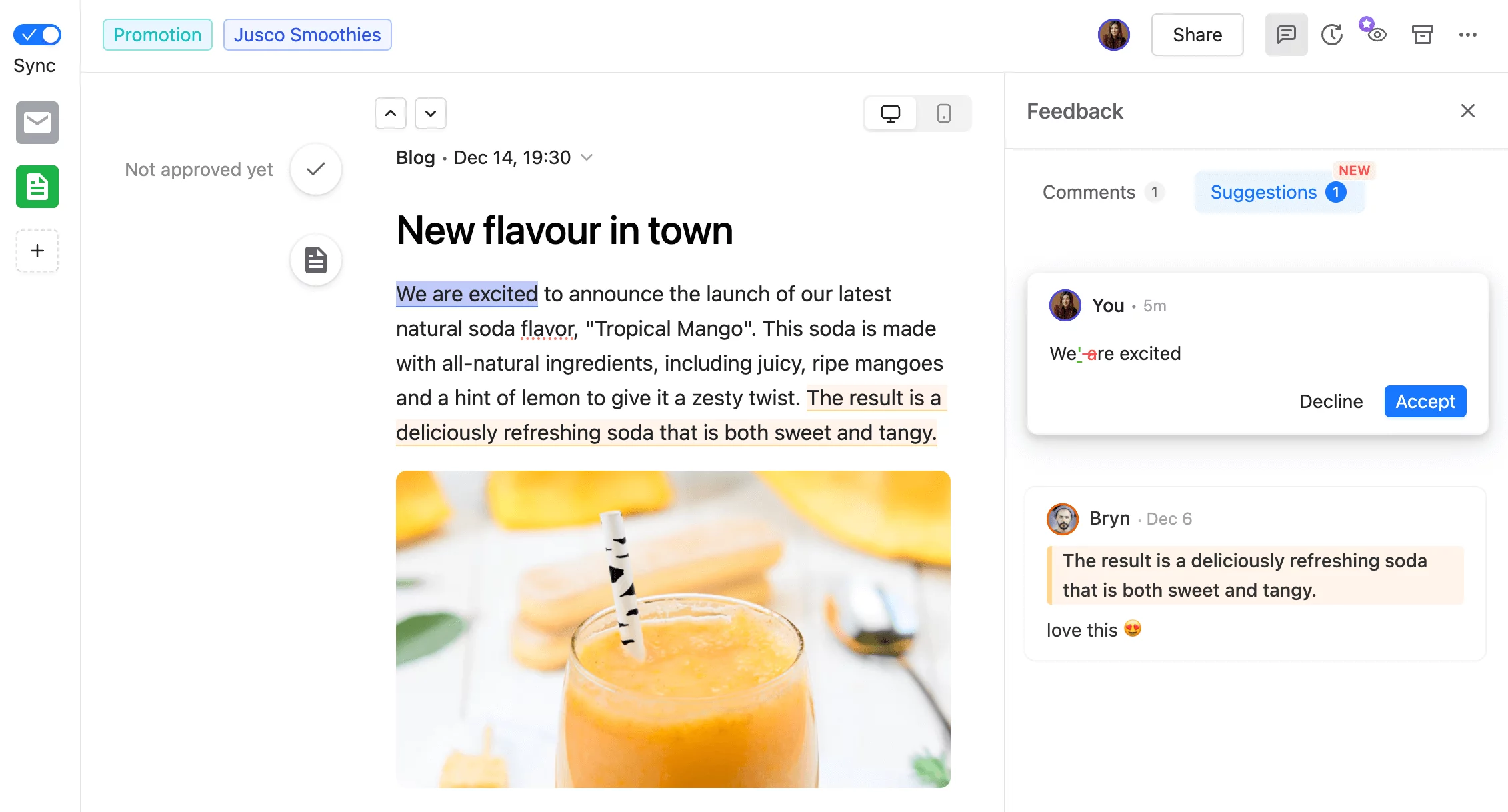
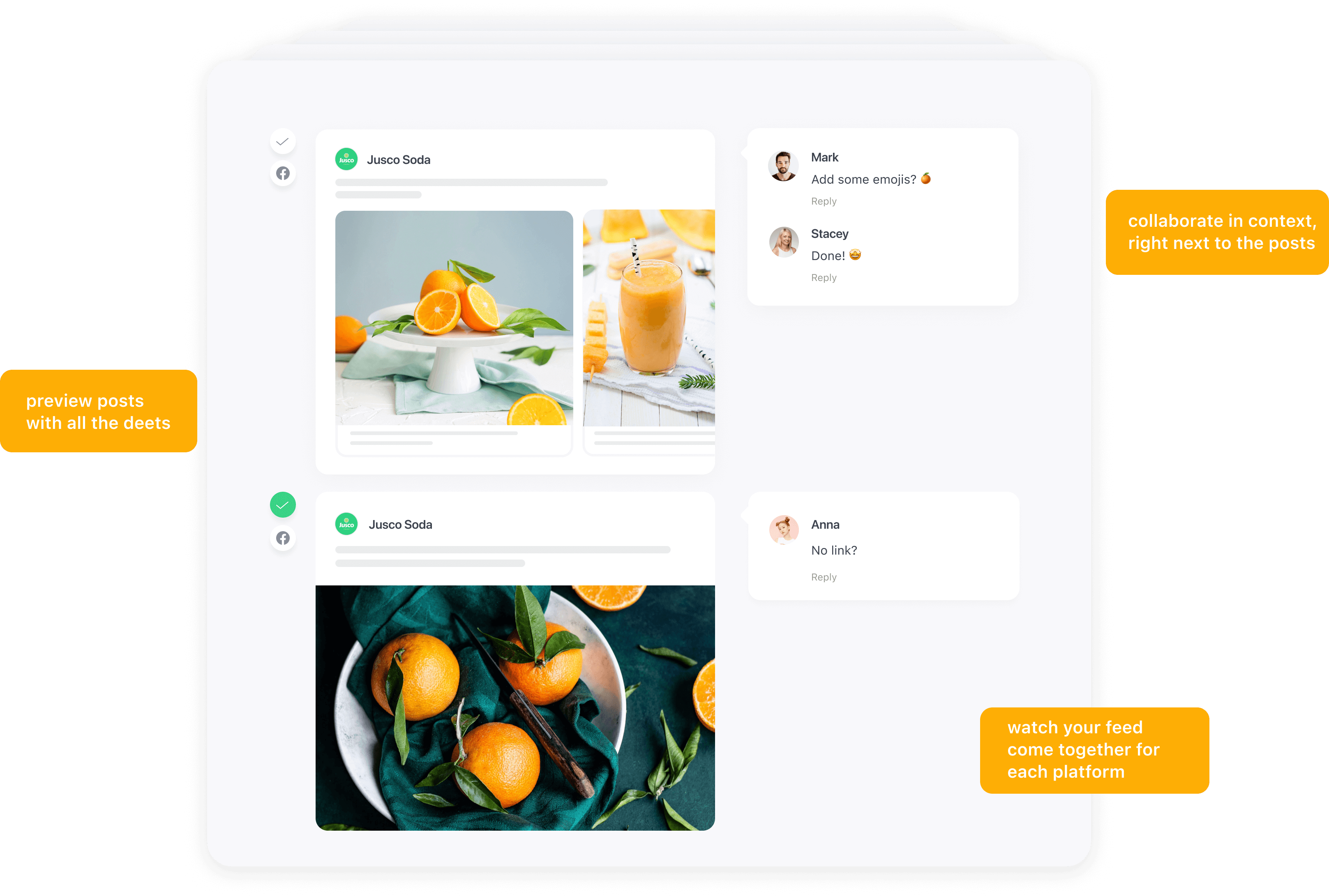
Content collaboration in Planable
What to look for in content collaboration platforms for marketing teams
In today’s digital landscape, online collaboration tools have become essential for remote and hybrid teams, allowing seamless coordination regardless of location. These tools not only enhance real-time communication but also ensure that all team members stay aligned throughout the content creation process.
Content collaboration software solutions can differ considerably in their functionalities — some emphasize project management, while others strictly focus on collaboration.
To spare you a few headaches, here are the must-have features you should look for when choosing content collaboration software:
Direct collaboration and feedback
Allowing users to leave feedback and collaborate with team members within the same platform is crucial. This ensures teammates have access to clear suggestions on how to optimize and polish content. Look for tools including comments in context.
Multiple approval options
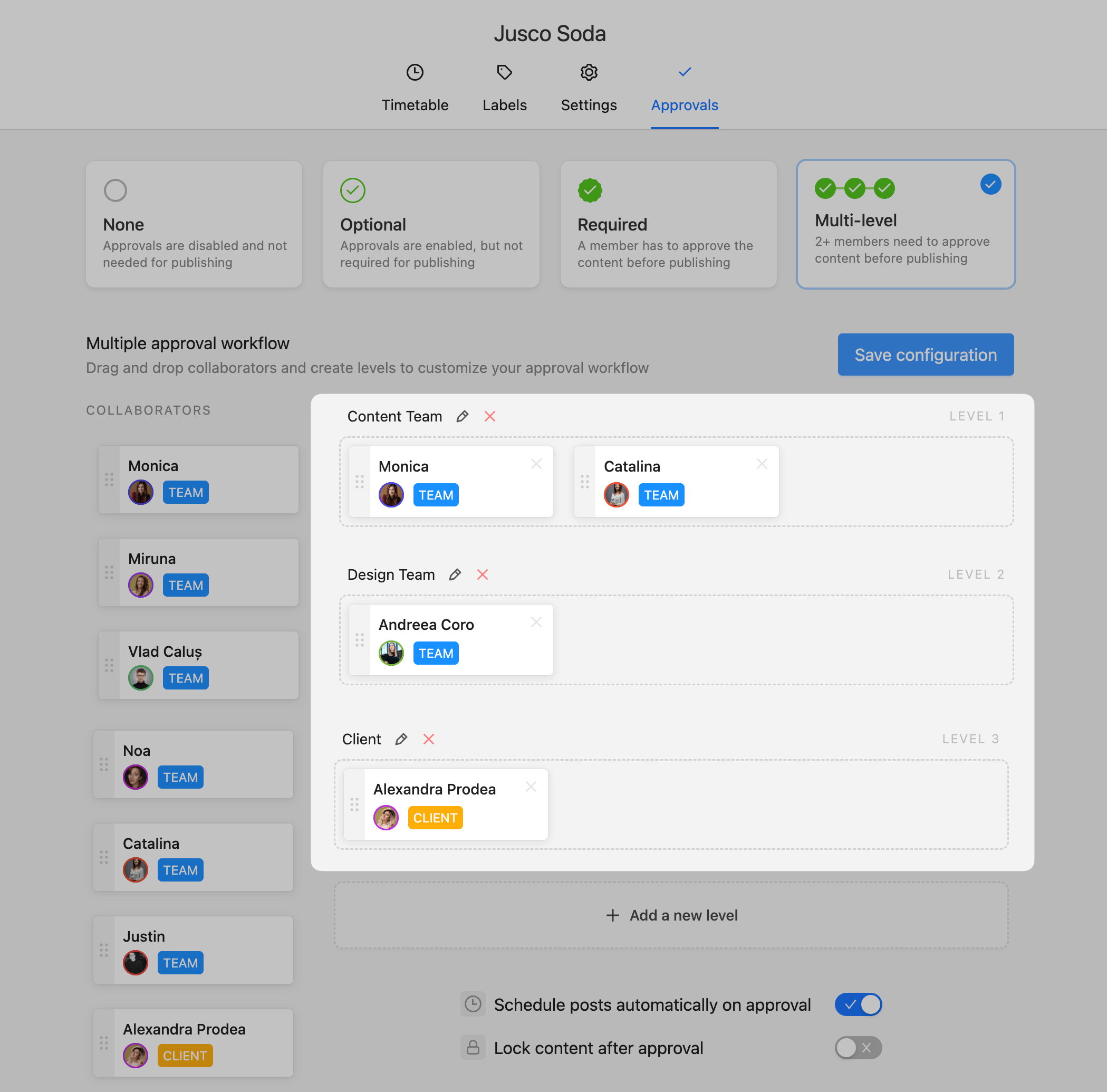
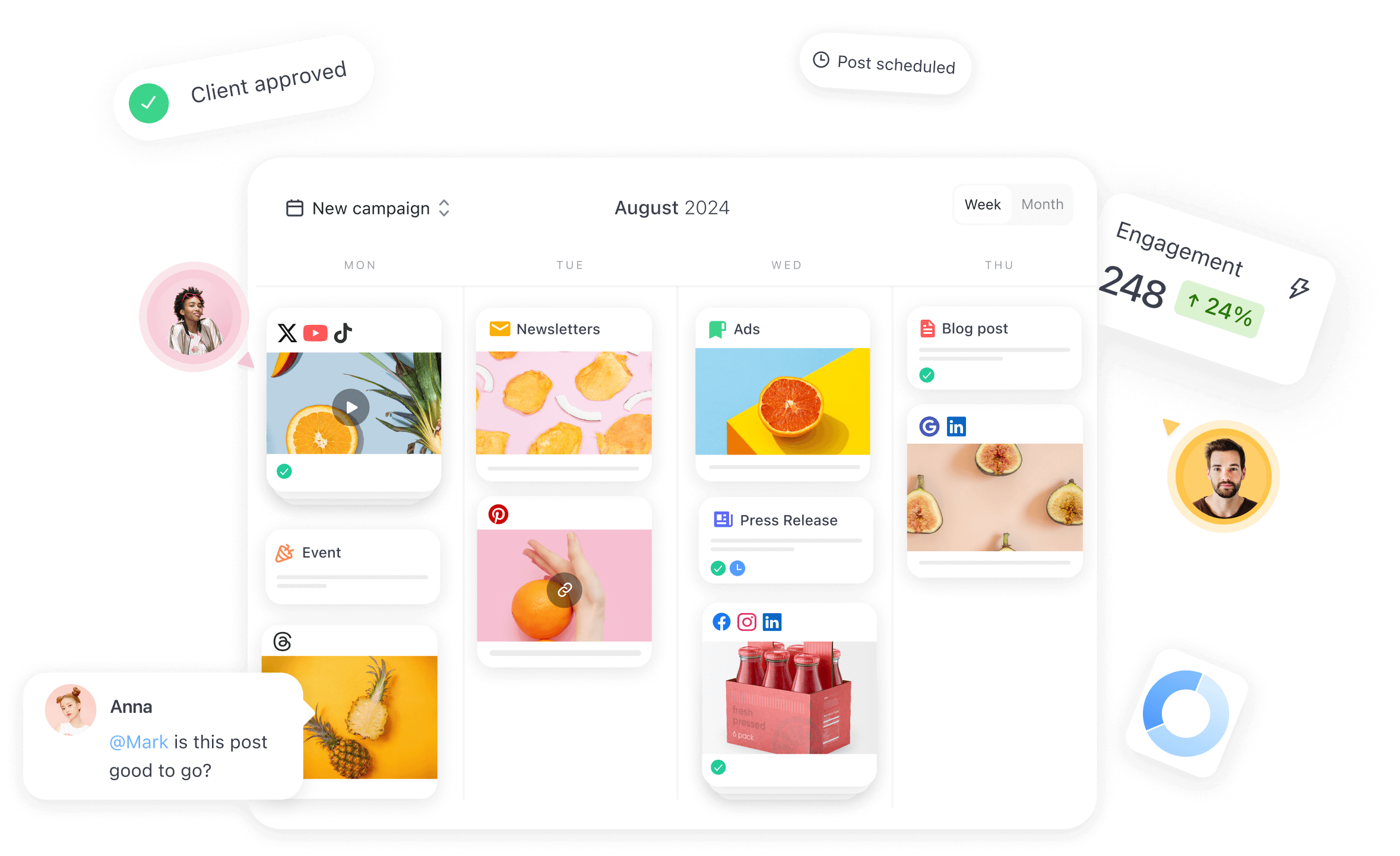
Multi-level approvals allow you to set up different types of approval processes — ideal to ensure that all parties involved are happy with the content before publishing. If you work alone, the option to skip the approval process is a nice-to-have.
Planable’s multiple approval layers
Version control
Tracking previous versions of the same content lets you see whether your feedback was implemented properly. This functionality also gives creative teams a clearer view of their mistakes and the steps necessary to fix them.
Internal notes
Internal notes allow you to leave comments that can be seen by teammates only — perfect for work-in-progress content that shouldn’t be visible to clients until ready.
Organization features
The option to create separate workspaces and monitor tasks through different views (calendar, table, Gantt charts, etc.) helps better organize your projects and gauge workflows. Also, look for tools that allow you to set filters, labels, and more.
1. Planable – best content collaboration platform for any type of written content
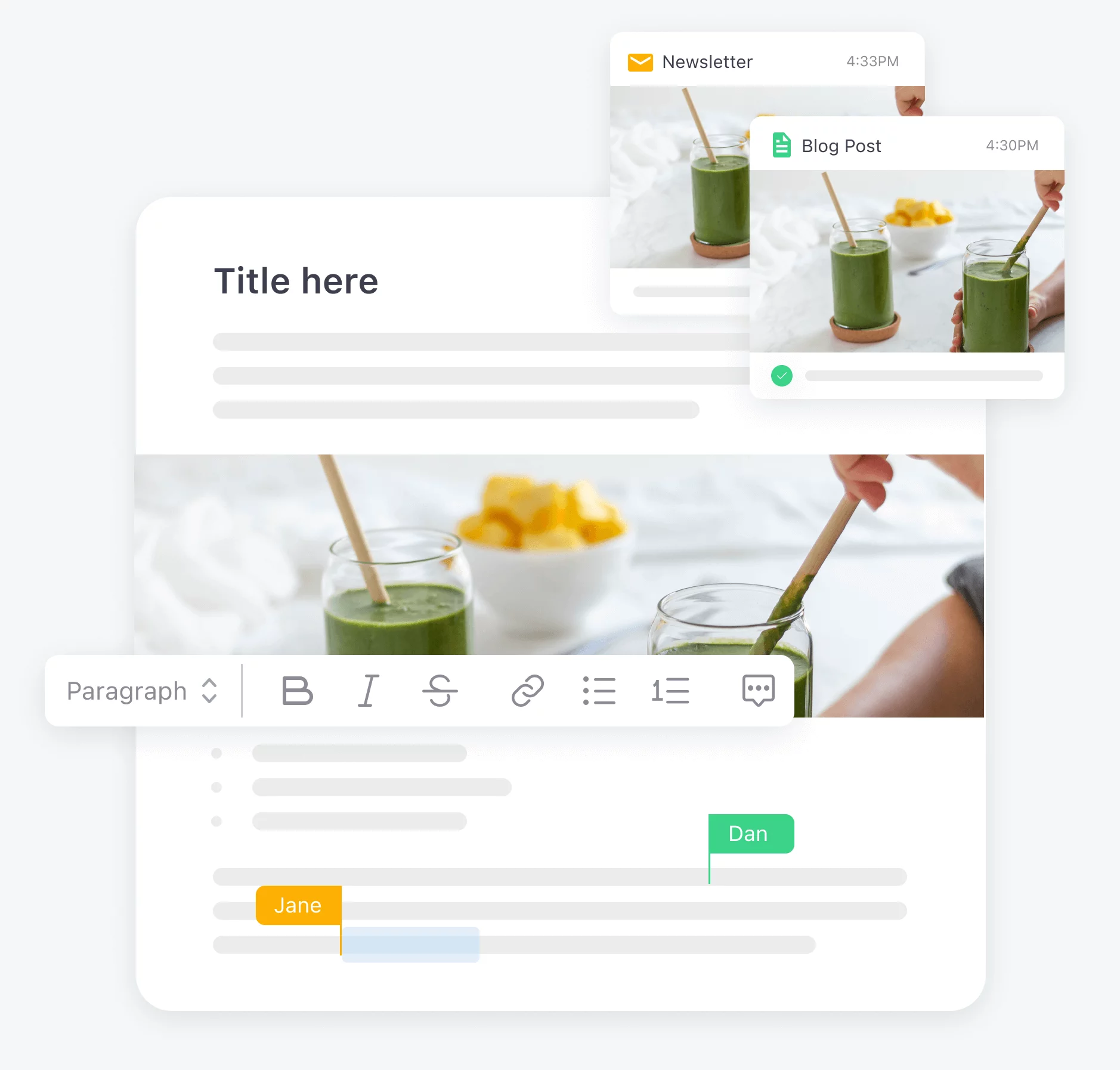
Planable is a content collaboration and marketing approval solution that handles content management, scheduling, posting, and much more. The platform allows you to plan, collaborate on, and approve any type of content — blogs, newsletters, social media posts, emails, or advertisements.
One of Planable’s key features is its intuitive interface. It offers dashboards specific to each major social media network — plus any other type of content using its Universal Content functionality.
Universal Content in Planable with collaboration
Each social media dashboard gives a pixel-perfect preview of the layout corresponding to the social network, making it one of the best content collaboration platforms in terms of ease of use and content optimization.
Supported networks: Facebook, Instagram, LinkedIn, Twitter, Pinterest, YouTube, TikTok, Threads and Google Business Profile (formerly known as Google My Business).
Features
Collaboration options: As a remote work tool, Planable enables teams to leave comments next to each post, mention teammates, add internal notes to communicate behind the scenes, assign custom user roles, and more. Planable also allows you to give clients or stakeholders a quick overview of the content plan via a guest view link. They can see posts and give feedback without having to log in.
Approval workflows: Set up different approval workflows based on your needs to ensure your content rolls out in tip-top shape while minimizing the hassle. Approve posts with just a click!
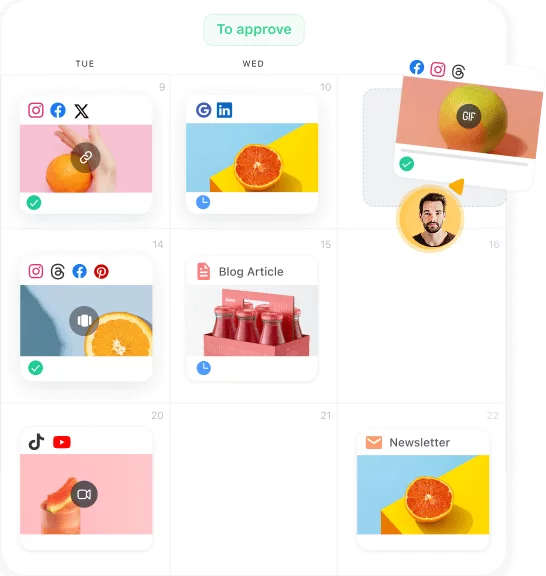
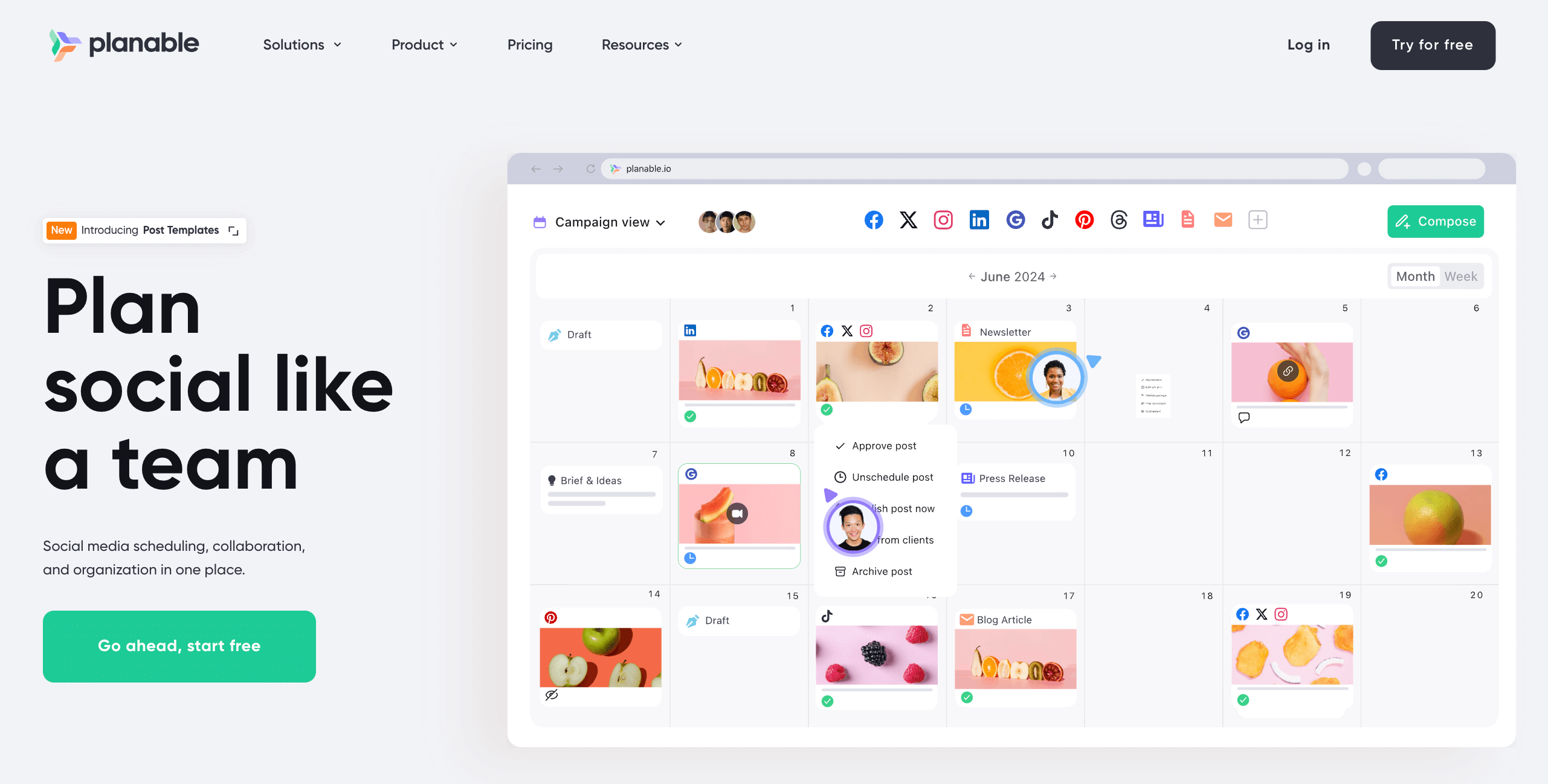
Content calendar: Easily monitor and schedule social media content via a drag-and-drop interface. Set color-coded labels to organize your content and recycle posts to republish specific content automatically.
Content calendar in Planable
Planable AI: Use the platform’s AI-powered capabilities to elaborate on a specific concept, make a text punchier, or shorten it.
Media library: Use the Media library to store design assets and reuse them for future content. Filter between used, unused, deleted, or all media to easily find the necessary assets.
Drawbacks
Planable doesn’t have any integrations with CMS platforms for website publishing yet. And although it offers intuitive social media analytics and reporting, it doesn’t include social listening or monitoring.
Pricing
Test out all the collaboration, approval and scheduling features Planable has to offer with the free trial. Paid plans start at $33/workspace/month (annually). Pricing depends on the number of workspaces, users, and features.
Takeaway
Planable is an excellent content collaboration solution for marketers seeking a highly intuitive platform with content creation capabilities and approval workflows.
2. ProofHub – best all-in-one content collaboration platform
ProofHub centralizes content collaboration and project management, helping marketing teams streamline the entire content lifecycle.
It manages tasks, deadlines, dependencies, in-context feedback, and multi-level approvals from drafting to publication; all in one place. ProofHub’s built-in file sharing, version control, and proofing tools keep stakeholders aligned and eliminate lost feedback or scattered emails.
Features
Task & project management: Plan projects, create tasks, set priorities, deadlines, and dependencies. Visualize work and progress via Kanban and Gantt, and schedule tasks with calendar views.
Collaboration & feedback: Share files via built-in chat, comment on tasks, mention teammates, create discussion boards for brainstorming, and use proofing tools to share feedback and approve content quickly.
Reports & insights: Track project progress, monitor workloads, and identify bottlenecks before they slow you down.
Drawbacks
While ProofHub excels at centralizing collaboration, it doesn’t include purpose-built content creation or editing tools, so teams may still rely on external tools such as Google Docs, Notion, Figma, or Adobe Creative Cloud for drafting and design.
Pricing
Free trial available; paid plans start at $45/user/month (billed annually), with unlimited users and access to all core features.
Takeaway
ProofHub is ideal for marketing teams that want a centralized platform to manage content, collaborate efficiently, and ensure every project stays on track, without switching multiple tools.
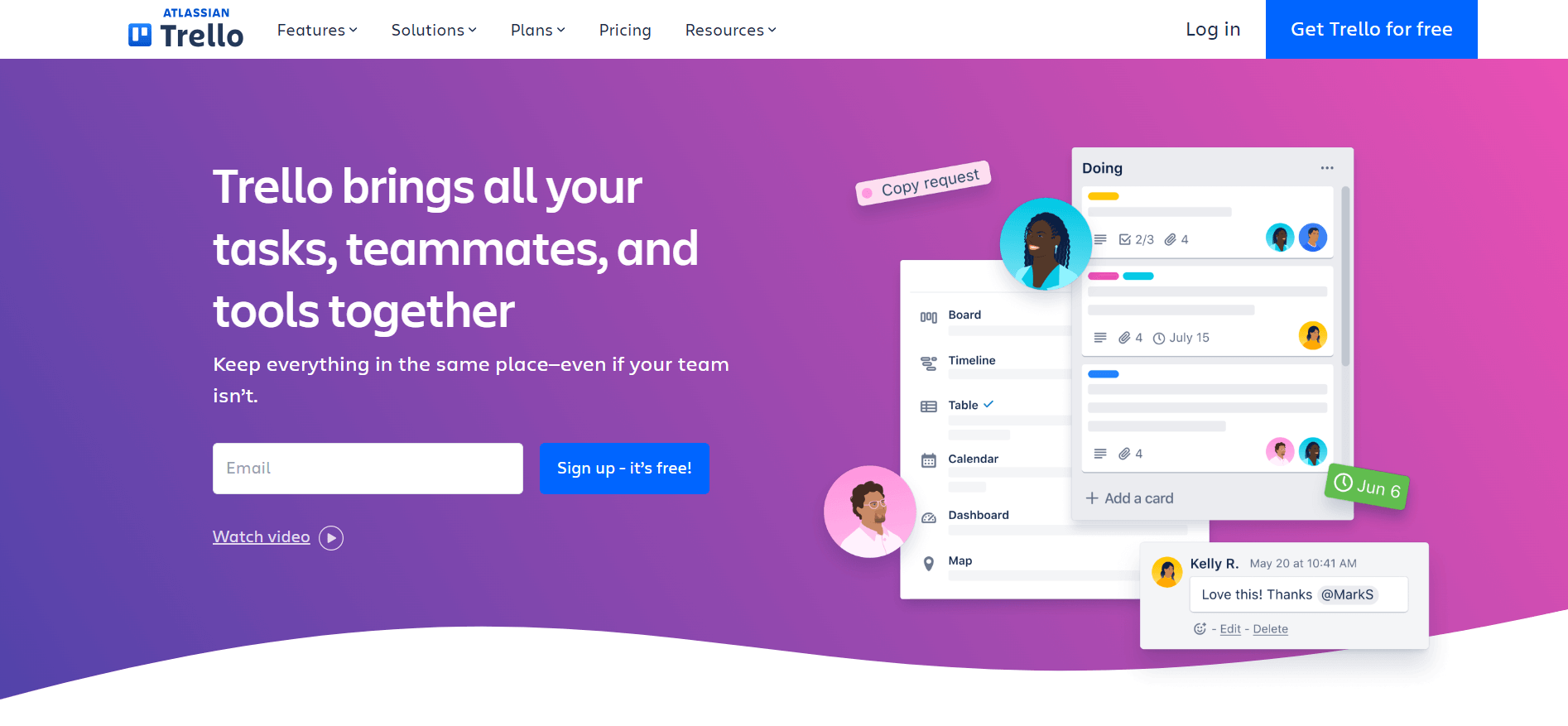
3. Trello – best Kanban-based collaboration platform
Trello is a collaboration tool that allows users to manage projects and tasks through a highly visual interface. One of Trello’s key features is its Kanban boards — an agile task management tool that uses cards to depict work across various progression stages (like To Do, Doing, and Done).
The platform’s easy-to-grasp Kanban views help teams easily track their projects, establish a consistent workflow, and prioritize tasks accordingly. Besides Kanban boards, Trello also includes various other types of views (Map, Calendar, Table, etc.), depending on the pricing plan.
Features
Task management: Easily delegate work across your team and set deadlines by assigning tasks. Set up task dependencies and automate workflows via a no-code interface.
Communication: Share files, leave comments, and mention teammates under each task.
Customization: Use one of Trello’s various project views and access its template library to quickly set up boards fit for specific activities (engineering, education, marketing, HR, etc.)
Drawbacks
Unlike Google or Planable, Trello doesn’t allow users to create and collaborate on content directly within the platform.
Document sharing includes a size limit per file in low-tier pricing plans.
Pricing
You can use Trello for free, while paid plans start at $5/user/month (annually).
Takeaway
Trello is a solid option for teams seeking a simple agile task management tool with workflow automation capabilities.
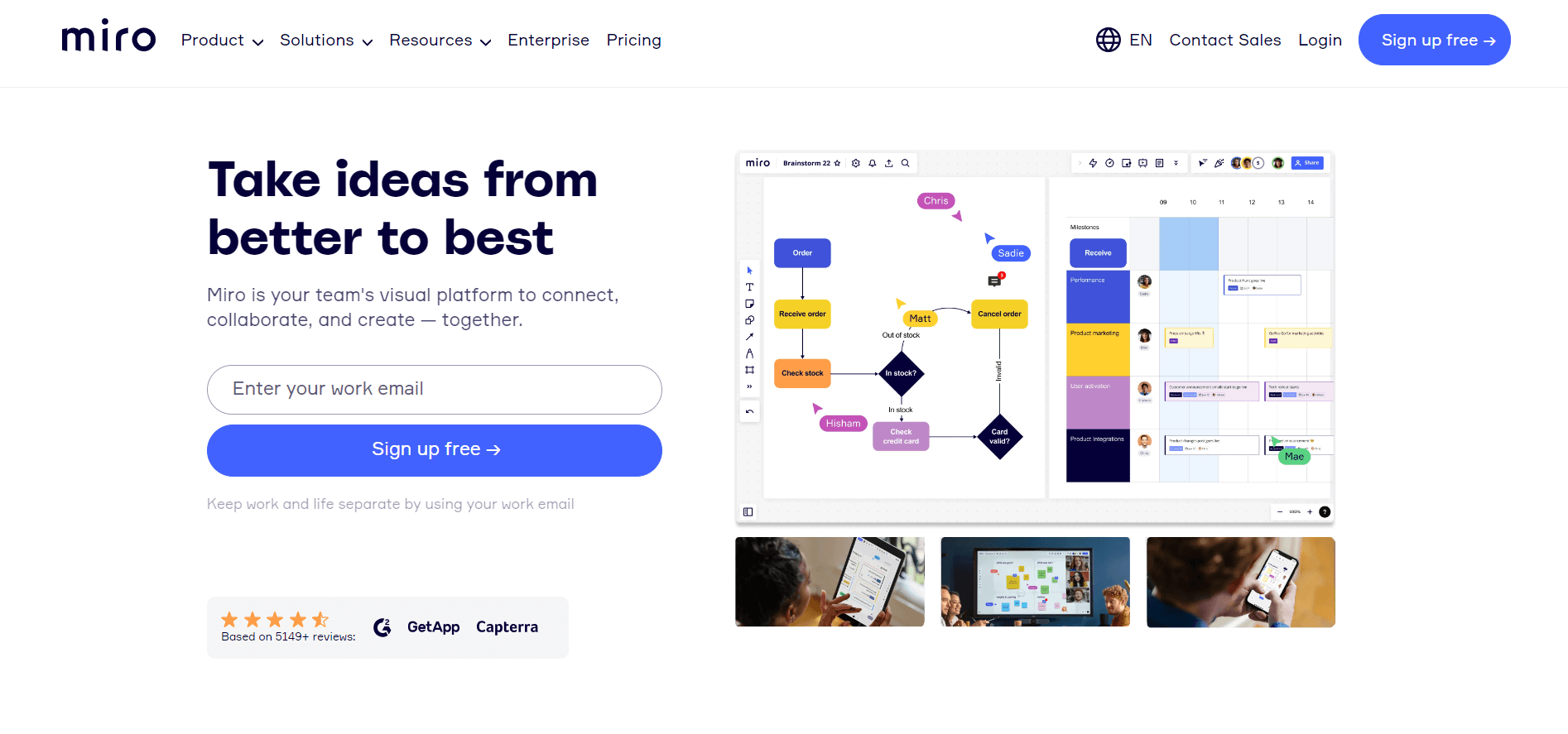
4. Miro – best content collaboration platform for brainstorming and content ideation
Miro is a digital whiteboard-based collaboration software solution — ideal for holding brainstorming sessions and kickstarting the content production process.
The platform allows users to plan on whiteboards and communicate via built-in text, voice, or video chat. The whiteboards are highly interactive. Users can leave sticky notes, draw, as well as structure and connect ideas for mapping projects.
Features
Templates: Use the platform’s ready-made templates fit for various projects (setting up mind maps, conversion funnels, agile boards, etc.)
Collaboration: Maintain the audience’s attention and get them involved with your presentation through the Interactive Presentation Mode. Use the built-in voting system to streamline the decision-making process.
Admin controls: Monitor user activity through audit logs. View board history and use the platform’s analytics to track the number of active boards, projects, and more.
Drawbacks
Steep differences between pricing plans, hindering scalability.
Users report that some aspects of the platform can be clunky (organizing boards, using tables, formatting issues).
Pricing
Miro is available for free with access to up to three editable boards. Paid plans start at $8/user/month (annually).
Takeaway
Miro is an excellent content collaboration software solution for holding brainstorming sessions and planning projects visually.
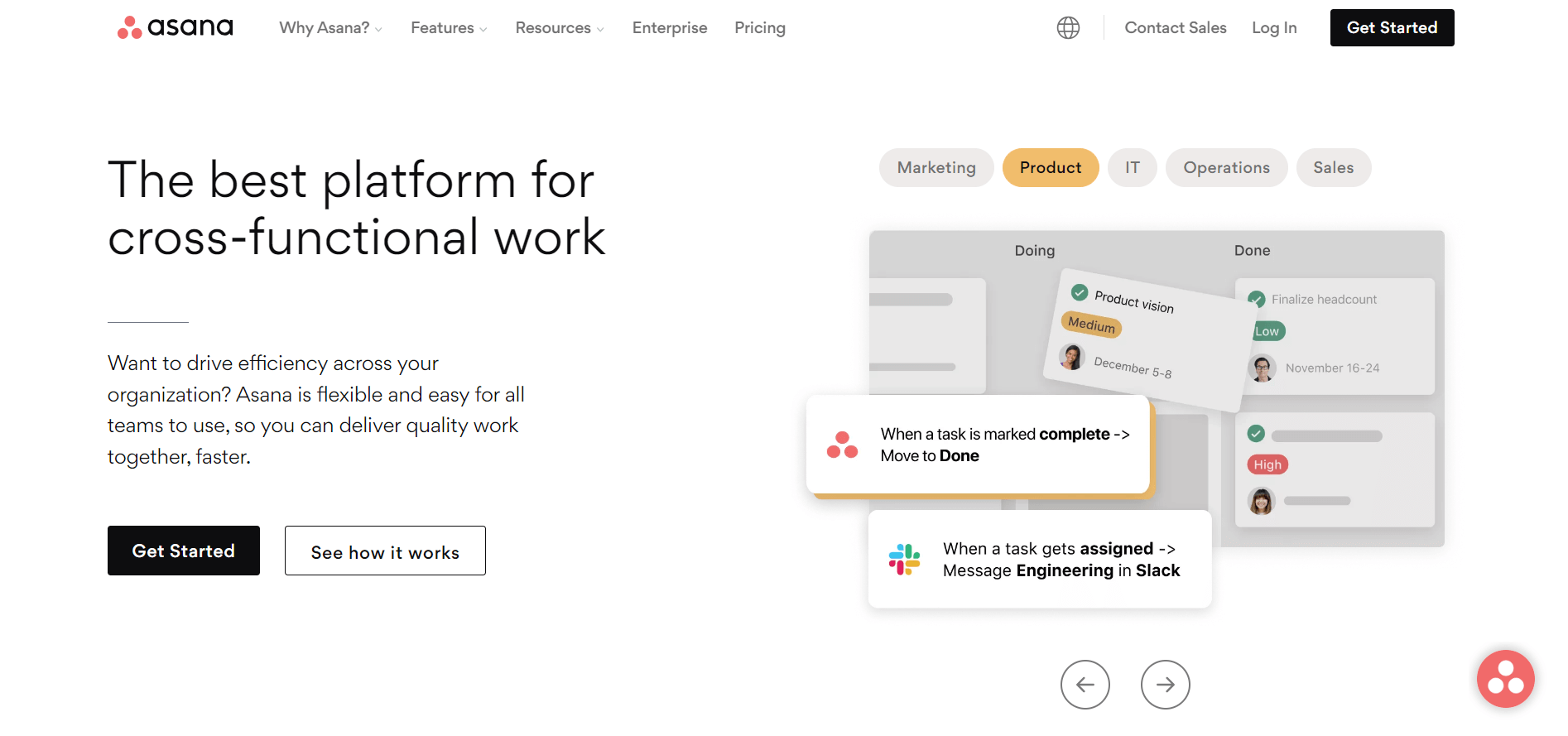
5. Asana – best content collaboration platform for large organizations
Asana is an in-depth project management and collaboration software solution with an emphasis on workflow management.
Users can create workflows and task dependencies via a drag-and-drop interface with the platform’s Workflow Builder. You can then save these workflows as templates and apply them to other projects.
Features
Views and reports: Assess project progress through a large selection of views (list, calendar, board, portfolio views, etc.) Manage multiple projects with Portfolio views. Use the Workload view to monitor employee availability and distribute work evenly.
Collaboration: Communicate through private and group chat, task comments, or discussion threads. Follow teammates to receive updates regarding their work. Handle proofing and leave feedback under each task.
Templates: Kickstart your projects with Asana’s use case-specific templates (marketing campaign plan, social media, content, email marketing calendars, etc.)
Drawbacks
Steep pricing differences between plans.
File sharing is limited to 100MB per file.
Pricing
There’s a free version available for up to 15 users. Paid plans start at $10.99/user/month (annually).
Takeaway
Considering the platform’s in-depth project management functionalities, proofing capabilities, and high user cap, Asana is among the best client collaboration software for large organizations seeking to manage complex projects.
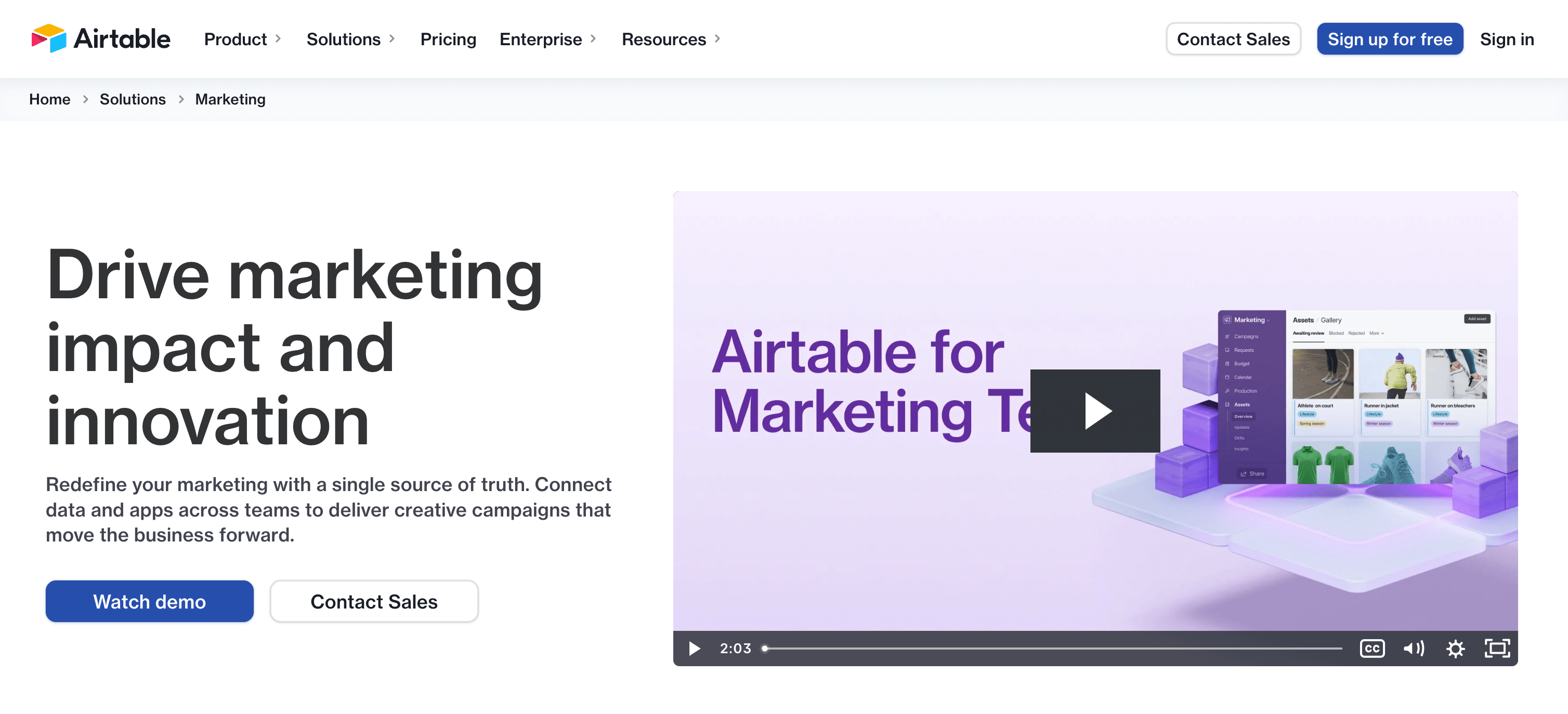
6. Airtable – best content collaboration platform for database management
The platform is similar to Google Sheets — you create databases and invite your team to collaborate and edit files. These databases can help collect and store resources for internal knowledge bases, for instance.
However, Airtable is more user-friendly and has broader advanced features than its counterpart.
Features
Workflow and task management: Set custom trigger-based automation through a highly visual interface. Bring multiple spreadsheets under the same roof with Bases to get a complete overview of your project.
Interface Designer: Create custom visual interfaces that automatically pull data from your bases — useful for turning databases into interactive content calendars or project roadmaps.
Reports: Generate custom interactive reports via the platform’s no-code interface. Or use coding to set up your own reporting system and gain full control over the data you receive.
Drawbacks
In terms of content collaboration, Airtable offers fewer specialized functionalities compared to dedicated tools (lacks file proofing, built-in ideation tools, etc.).
Limited file storage space per base (project) in low-tier plans.
Pricing
There’s a free version available for up to five users. Paid plans start at $10/user/month (annually).
Takeaway
Airtable is an excellent option for marketers that heavily rely on spreadsheets. The platform allows users to easily store and manage information related to content creation. The Interface Designer can help you turn data into content briefs, approval interfaces, or content production reports.
7. Notion – best content collaboration platform for structured content authoring
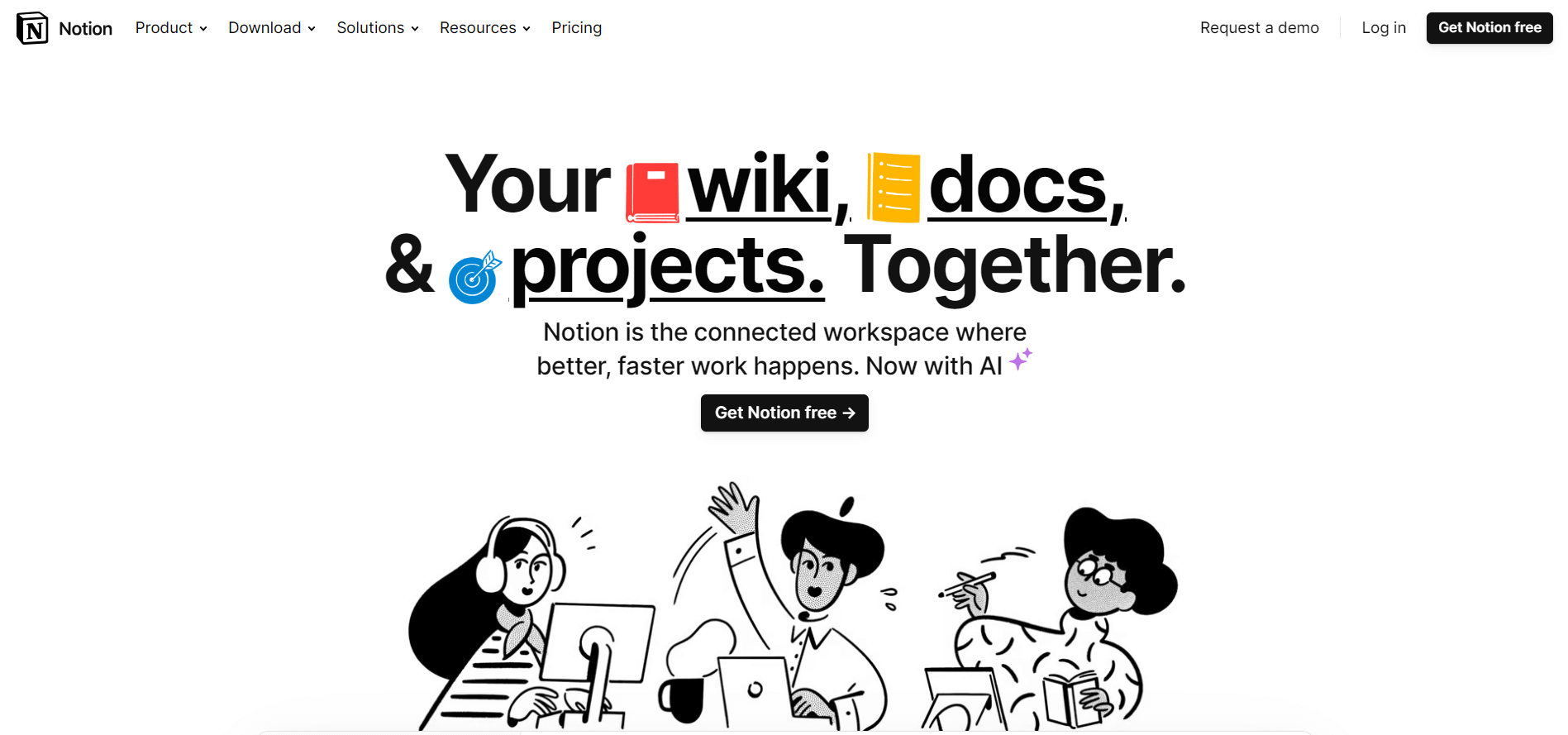
Notion is a document collaboration and project management tool built with ease of use and affordability in mind.
You can use the platform to streamline the content workflow, as it allows you to turn Notion documents into web pages — ideal for company knowledge bases, training material, creative briefs, or anything that helps you standardize content production processes.
Features
Document management: Easily upload files into the platform, and set labels and statuses to organize and filter between documents.
Templates: Browse Notion’s numerous community-made templates to find the right one for your needs (Instagram content planners, campaign briefs, cold email templates, etc.)
Notion AI: Use the platform’s AI-powered functionality to create summaries, enhance existing content, or shorten a text (optional add-on).
Drawbacks
Users report that getting used to the platform may take a while.
Limited security options in entry-level plans. Additional security capabilities (single sign-on, security audit logs, etc.) are only available in top-tier plans.
Pricing
There’s a free version available for up to ten guest collaborators. Paid plans start at $8/user/month (annually).
Takeaway
Notion’s simplicity and solid document management capabilities make it one of the best content collaboration platforms for storing and managing documentation, content briefs, design assets, and more.
8. Figma – best content collaboration platform for collaborative design
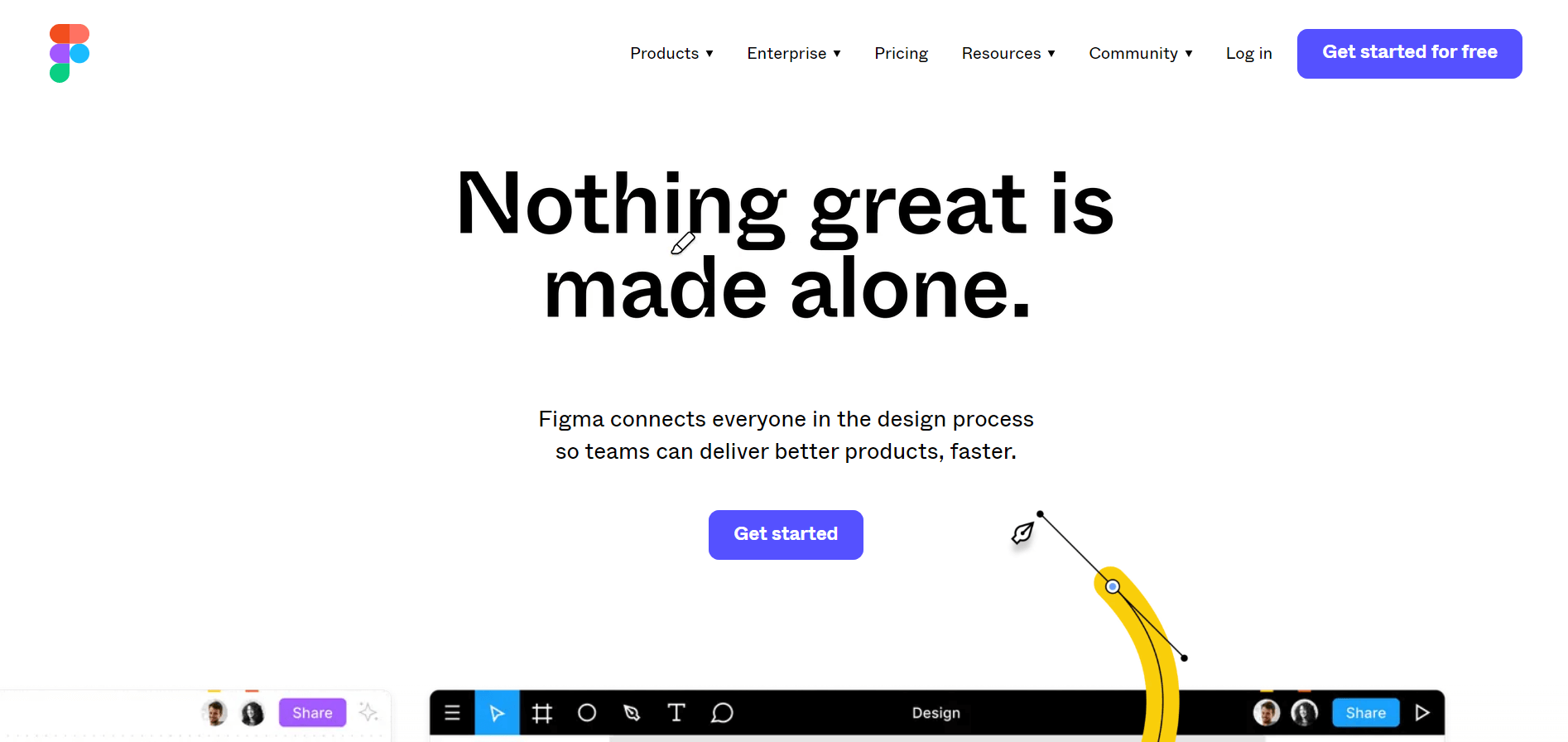
Figma is a design tool that allows users to collaborate and create digital content, like illustrations, user interface prototypes, and more.
As for project management capabilities, the platform allows for private projects and custom workspaces. It also includes numerous collaboration tools. Most notably, Figma can boost teamwork by allowing multiple members to work on the same design in real-time.
Features
Collaboration: Communicate via voice chat, comment directly on a project’s canvas, and create shareable links. Control who can access your projects and use the Observation Mode to see through another team member’s screen.
Design: Automatically resize content, include animations, and use Team Libraries to store digital assets. Use the platform’s in-house and community-made templates to build wireframes, infographics, roadmaps, etc.
Content ideation: Use FigJam (optional add-on, free version available) to hold brainstorming sessions with whiteboards, plan content strategies, and more.
Drawbacks
Requires a stable internet connection, and performance can slow down when working on complex projects.
Steep pricing differences between paid plans, hindering scalability.
Pricing
You can use Figma for free, while paid plans start at $12/user/month (annually).
Takeaway
Figma is an excellent content collaboration software solution for creative teams seeking a solid UX design tool with real-time collaboration capabilities.
9. Clickup – best content collaboration platform for scalability
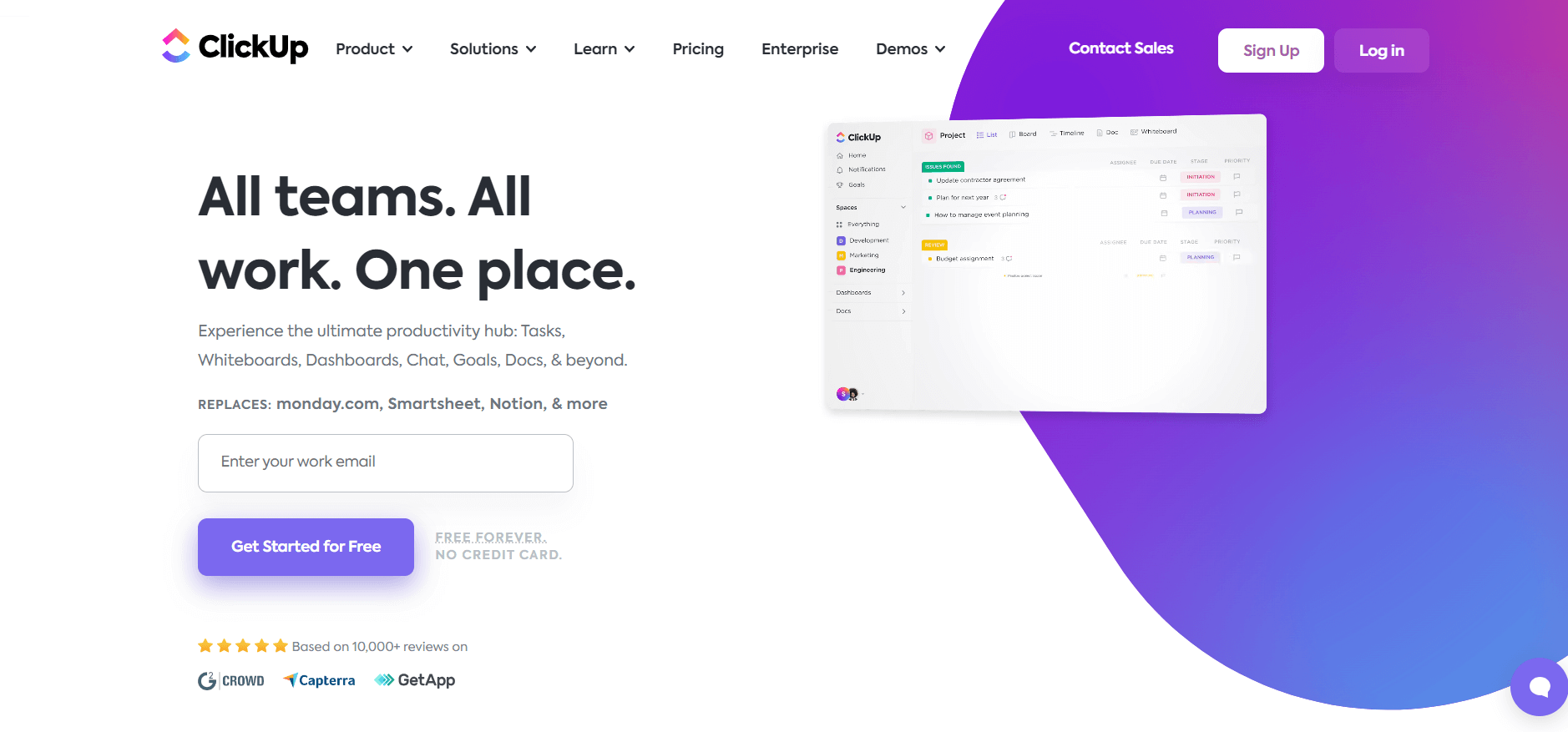
ClickUp is a cloud-based team collaboration and project management solution that offers in-depth analytics, extensive customization options, as well as workflow and resource management tools.
In other words, the platform provides an extensive feature set. Coupled with its versatile pricing plans, ClickUp is excellent in terms of scalability.
Features
Mind Maps: Visually plan projects and draw logical paths between tasks via a drag-and-drop interface. Manage tasks directly within the functionality’s dashboard.
Collaboration: Handle file proofing, leave comments next to each task, and use the in-app video recording feature to capture your screen. Then, share the recording with your teammates. Use whiteboards for brainstorming and project mapping.
Workload management: Monitor teammate’s everyday workload capacity to set accurate deadlines and gauge project progress. Use built-in time tracking and generate time reports to measure productivity.
Drawbacks
There’s a slight learning curve due to the platform’s complexity.
ClickUp is available for free to unlimited users. Paid plans start at $5/user/month (annually).
Takeaway
ClickUp’s lack of user limit, versatility, and broad selection of pricing plans makes it an excellent content collaboration software solution for companies that expect significant growth.
Here’s why marketing teams should consider content collaboration software
Content collaboration tools increase team involvement, boost efficiency, and promote a healthier work environment. Here are a few more reasons why marketers should use a content collaboration platform:
Productivity: Store design assets, create content, collaborate with team members, and set up approval processes within a centralized location — no need to jump between multiple platforms.
Communication: Get team members on the same page through group chats, task comments, and private conversations. Collaborate with external stakeholders through file sharing and invite them to your workspace.
Teamwork: Work with other team members on the same document simultaneously. Delegate tasks to each teammate so everyone knows what they need to do and when.
Feedback: Set up approval processes to ensure you roll out error-free content. Leave suggestions next to each task and mention team members to notify them immediately. Use version control to see whether the feedback was implemented correctly or to reverse mistakes.
Storage and organization: Store files, templates, and design assets within a content library. Give team members access to all their files so they can quickly grab the design assets necessary to craft a post.
Wrap up
There you have it, some of the best content collaboration platforms currently available.
There’s no one-size-fits-all solution. Some accentuate project and task management, while others heavily emphasize creative work in a collaborative environment, just like Planable. Speaking of which, don’t hesitate to try it out! You get access to all of the platform’s features and can schedule up to 50 posts – try it for free!
Horea is a software reviewer and tester, content writer, and tech geek. He loves to fiddle with MarTech solutions to find what each software is best for and help you decide which one might be your best fit. His content is allergic to fluff and eats research for breakfast. If you’re on the fence about whether you should commit to a particular platform, Horea probably already wrote about it.






 Create
 Schedule
 Plan
Plan Engage
 Collaborate
 Analyze
 Approve